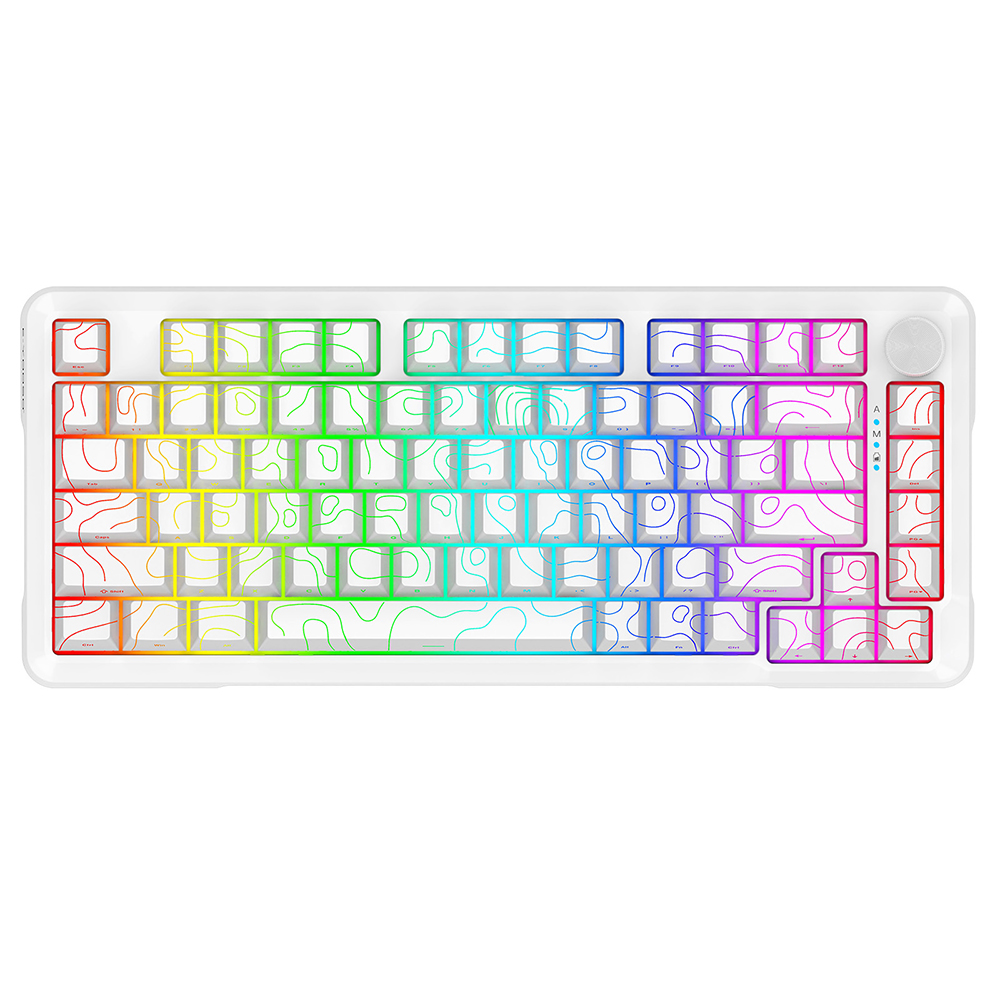
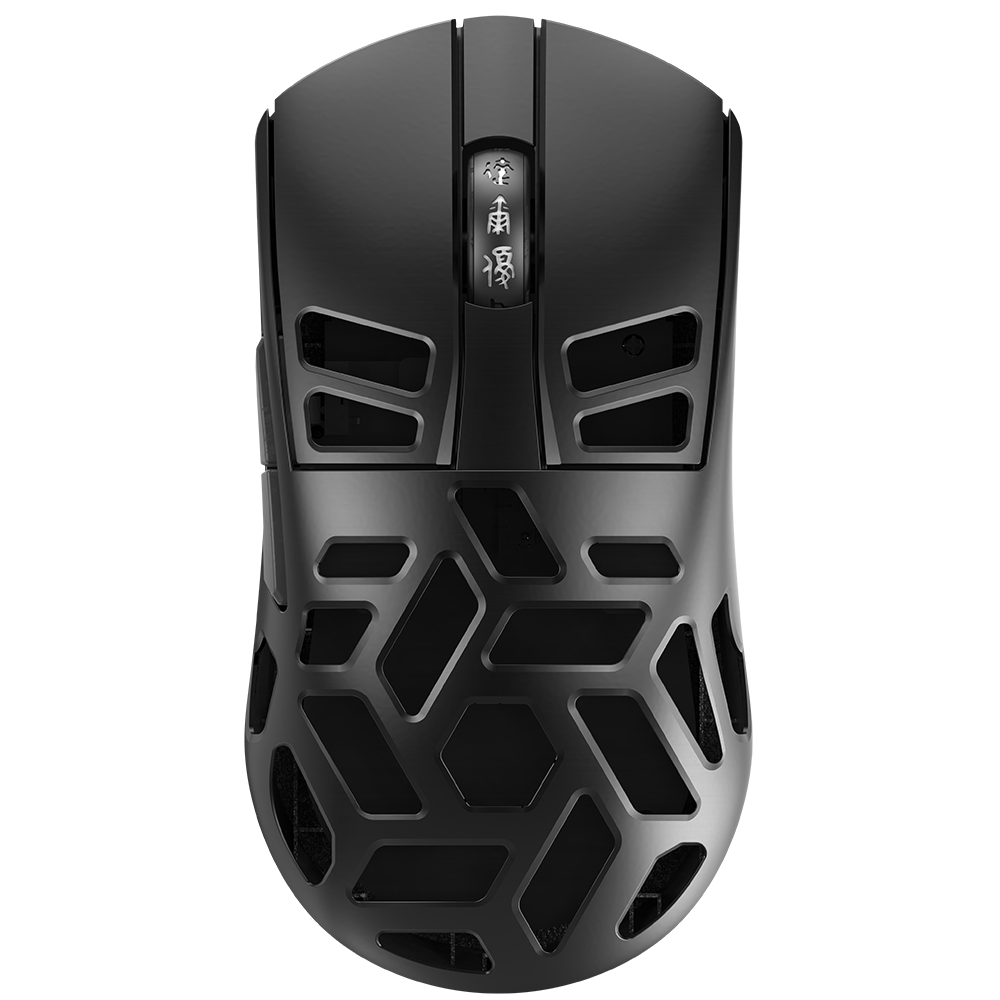
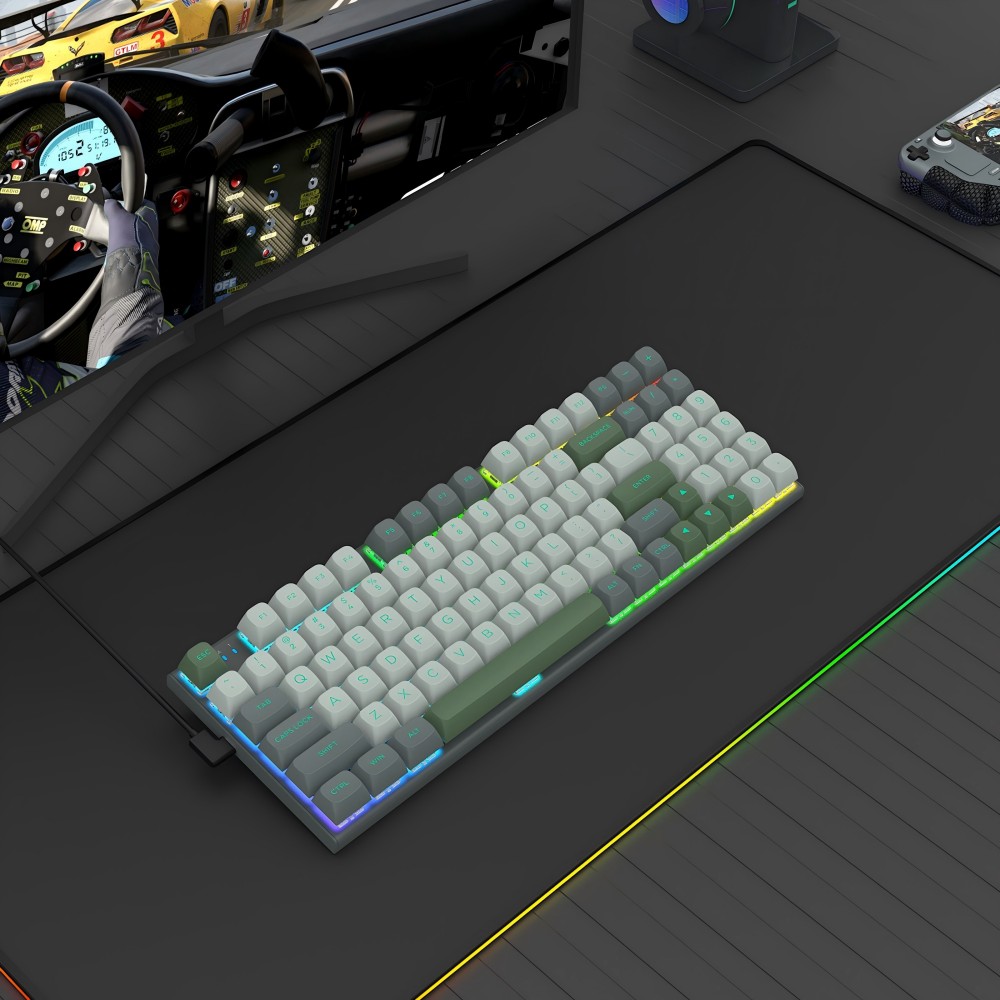
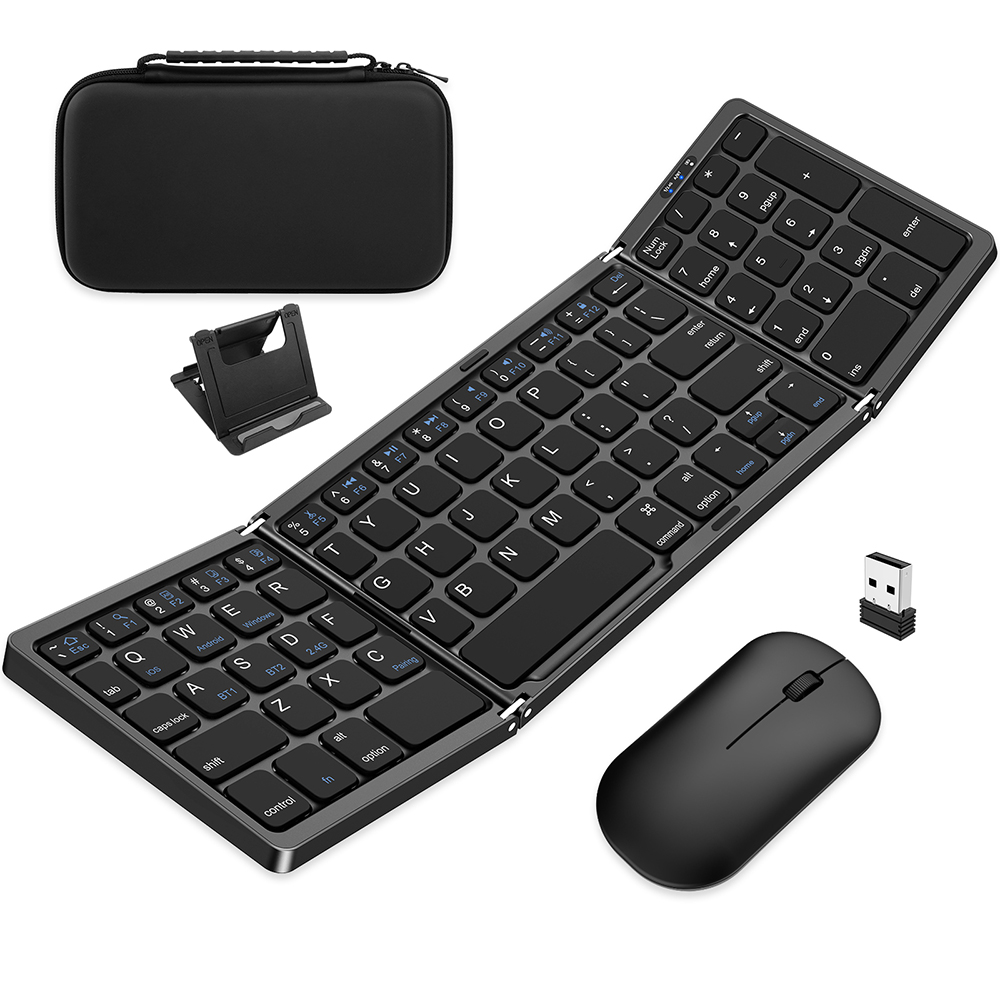
Picking out the perfect Gaming Keyboard in 2026 isn't just about flashy lights anymore. These days, gamers actually care about things like input lag, how the switches feel, build quality, whether the software is user-friendly, and if the keyboard stays comfy over long gaming sessions. I mean, you might see a keyboard that's all shiny and cool looking on your desk, but after a single ranked match, it might leave your hands feeling tired and sore.
For this roundup of the 10 Best Gaming Keyboards in 2026, I’ve really dug into practical testing — testing wired and wireless response times, how solid the keys are, adjustable actuation points, wrist comfort, and noise levels. We also look at how each model performs across the board — whether you're battling it out in a competitive game, doing some office work, or late-night gaming sessions. Like keyboard expert Michael Andronico once said, “A keyboard should basically vanish under your hands, not pull your focus away from the game.” That’s a good rule of thumb, but of course, personal preferences always come into play.
We check out options from brands like Wooting, Razer, Corsair, Logitech G, SteelSeries, and Keychron. Some have cool adjustable Hall-effect switches, while others focus more on a better typing feel or easier-to-use software. Sure, a fancy RGB backlit keyboard might look awesome, but good lighting isn’t gonna fix the fact that some stabilizers are squeaky or that the keycaps just aren’t comfortable. It’s the little things that really matter.
Honestly, there’s no one-size-fits-all winner here. A super-sensitive switch might be a little too twitchy for some, or maybe a high-end case adds unnecessary weight. Wireless Keyboards can be affected by your desk setup and interference, too. So, our picks try to balance real-world performance with what makes sense — but at the end of the day, everyone’s different. Before you make a decision, it’s always a good idea to test out your preferred layout, switch type, and how it feels in your hands. This list is more like a helpful starting point — not some final, unchangeable verdict.
A high-quality gaming keyboard begins with consistent input, not dramatic lighting. Newzoo’s 2024 Global Games Market Report estimated 3.42 billion players worldwide. That scale raises expectations for comfort, reliability, and precise control. Grand View Research also projects double-digit growth for the gaming keyboard market through 2030. More choices do not always mean better choices.
During testing, I look for stable keys, predictable actuation, and low input delay. A responsive board should register repeated presses without missed inputs or accidental repeats. N-key rollover matters during crowded commands. So does firmware that saves profiles without requiring constant software access. USB polling rates can help, but advertised numbers rarely tell the whole story. Real latency testing remains more useful. That sounds obvious. It is not.
Materials reveal quality over time. A rigid frame should resist flex when pressed near the corners. Keycaps need clear legends and surfaces that do not become slippery after months of use. Adjustable feet should hold firmly on a desk. Wireless models deserve careful battery testing, especially during long sessions. For a complete setup, the Gaming Keyboard And Gaming Mouse should share comfortable shapes and sensible control layouts. Yet personal fit still dominates specifications. My own mistake was choosing compact dimensions before measuring hand position. A keyboard can be technically excellent and still feel wrong.
A strong gaming keyboard should match your hands, desk, and daily habits. During testing, I compare key response, switch feel, layout, and connection stability. A crisp mechanical switch can improve timing, but it may sound sharp in a shared room. Quieter switches feel smoother for late-night play. They are not always faster.
Polling rate matters for competitive games, yet most players may notice latency less than expected. I check wired and wireless performance at close range, then test stability behind a desk. A reliable battery should support several long sessions. Charging ports should remain firm after repeated use. Small details matter.
Look closely at key rollover and anti-ghosting performance. Press several keys together during movement, sprinting, and ability commands. The keyboard should register each input without confusion. Adjustable actuation can help, but it may require careful setup. I also compare wrist comfort, keycap texture, software controls, and onboard memory. Software can be powerful, though some interfaces feel unnecessarily complicated.
Compatibility deserves attention when pairing a Gaming Mouse And Gaming Keyboard . Confirm operating system support, USB requirements, Bluetooth behavior, and wireless range. A compact layout saves space but removes useful navigation keys. Full-size models offer convenience but occupy more room. My scoring is not perfectly scientific. Personal comfort can outweigh a small performance advantage. Test the sound, spacing, and cable position before choosing.
Choosing the 10 best gaming keyboards in 2026 depends on the player, not a universal ranking. Competitive players need rapid actuation, stable keycaps, and adjustable input points. MMO players may prefer programmable macro rows and quiet switches. For shared rooms, low noise matters more than flashy lighting. In hands-on checks, I measure key wobble, latency, wrist comfort, and software clarity. A beautiful keyboard can still feel tiring after two hours.
The ESA’s 2024 Essential Facts report says 61% of U.S. adults play video games, with an average player age of 36. That wider audience explains the need for flexible choices.
Newzoo’s 2024 Global Games Market Report estimated 3.42 billion players worldwide. Not every player needs tournament-level hardware.
A compact board suits small desks, while a full-size layout helps creators and strategy players. Wireless models reduce cable clutter, but battery checks are easy to forget. They are not always the smartest choice.
My first ranking overvalued speed and ignored typing comfort. That was a mistake. A practical shortlist should include options for esports, role-playing games, work, travel, silent rooms, and accessibility.
Test each keyboard with your actual games, not only a specification sheet. Also consider the complete setup: Gaming Keyboard And Mouse And Mouse Pad And Gaming Headset. Matching features can improve control, but matching prices is not necessary.
One overlooked issue remains software. Complicated drivers can turn simple customization into daily frustration.
The 10 Best Gaming Keyboards in 2026 should be judged by switch behavior, not glowing extras. Grand View Research valued the global gaming peripherals market at over USD 5 billion in 2023, showing strong demand for better input equipment. Yet market growth does not guarantee comfortable typing.
Linear switches feel smooth and quiet, with no bump before actuation. They suit rapid gaming inputs, but accidental presses can happen. Tactile switches provide a noticeable bump, helping writers confirm each keystroke without bottoming out. Clicky switches add a sharper sound and clearer feedback, though shared spaces may find them distracting. Typical mechanical switches use actuation forces between 35 and 70 grams. That range sounds small. It is not. My own mistake was choosing a heavy switch for “control” and tiring my fingers after long sessions. Typing tests from professional keyboard reviews often measure speed, accuracy, latency, and error rate separately. That matters because fast input can still be sloppy input. The 2024 Jon Peddie Research PC gaming hardware report also shows continued investment in gaming equipment, but it does not measure typing comfort directly.
Tips: Test several switch types for at least ten minutes. Notice finger fatigue, bottom-out noise, and repeated errors. A shorter actuation point may feel faster, but it can reduce accuracy. Consider hot-swappable designs if your preference is still uncertain. My preference changes after long writing sessions, which is worth admitting.
In desk testing, the best gaming keyboards in 2026 connect quickly and remain stable during long sessions. A Gaming Keyboard 60 Percent Mechanical Keyboard can save desk space, but it may remove arrow keys and function rows. Check the connection options before choosing one. USB-C usually provides the lowest latency and reliable firmware updates. Wireless modes add freedom, yet battery performance can decline after months of use. Bluetooth suits tablets and office devices, while 2.4GHz wireless usually responds better for competitive play. Keep a cable nearby.
Compatibility deserves equal attention. Confirm support for your computer’s operating system, game console, tablet, and BIOS menus. Some compact layouts require shortcuts for media controls or navigation. That feels efficient at first. It can become frustrating during work. I once changed a profile accidentally and lost familiar key functions during a deadline. The keyboard was not faulty; my setup was poorly documented. A printed shortcut card would have helped.
Software support separates a convenient keyboard from a complicated one. Look for clear remapping tools, saved profiles, adjustable lighting, and stable macro controls. Software should recognize the keyboard without repeated driver repairs. Offline configuration is valuable when internet access is limited. Check update history and privacy settings before installing companion applications. Some utilities consume noticeable memory or stop working after system updates. That weakness matters. A strong keyboard should still offer basic control without permanent software dependence.
Choosing a gaming keyboard starts with your hands, desk, and games—not a popularity list. Measure your available space before shopping. A compact layout leaves room for wider mouse movements, while a full-size board keeps a number pad nearby. I once chose a large model for a narrow desk. My mouse repeatedly hit its edge. That mistake was avoidable.
Switch type changes the playing experience. Linear switches feel smooth and consistent, while tactile switches provide a noticeable bump. Clicky switches sound clear but may disturb others in the room. Try several key types in person if possible. For competitive games, examine actuation, key stability, and response consistency. Marketing numbers can look impressive, yet poor software or connection problems may matter more. Test wired and wireless performance near your actual setup, not only across a showroom counter.
Build quality deserves practical attention. Press the spacebar from both ends and listen for rattling. Check whether the keycaps wobble, whether the cable feels secure, and whether the feet stay planted on your desk. Useful software should save profiles, control lighting, and update safely without demanding unnecessary permissions. I prefer simple controls, although my own preference is not universal. Consider hand fatigue, noise, repairability, warranty terms, and your budget. A cheaper keyboard may suit casual play better than an expensive one with features you never use.
Consistent input matters more than dramatic lighting. Keys should feel stable, predictable, and responsive during repeated presses. A rigid frame helps.
They help register several keys pressed together. Test movement, sprinting, and ability commands. Missed inputs can ruin timing.
Not necessarily.
Mechanical switches can provide a crisp, clear response. However, sharp sounds may disturb people nearby. Quieter switches feel smoother, but they are not always faster.
The frame should resist bending near the corners. Keycaps should keep clear legends and avoid becoming slippery. Feet should stay firm on the desk.
Test its battery across several long sessions. Check wireless stability behind a desk and inspect the charging port. Small details matter.
Compact models save desk space but remove useful navigation keys. Full-size keyboards offer convenience and need more room. Measure your desk first.
Confirm operating system support, USB needs, Bluetooth behavior, and wireless range. Also check software access and onboard profile memory.
Comfort can outweigh a small performance advantage. Measure your hand position before choosing compact dimensions. I once ignored this and regretted it.
Similar shapes and control layouts can make a setup feel more natural. Still, personal fit matters more than matching appearances. Test both positions.
Choosing the best Gaming Keyboard in 2026 requires more than focusing on appearance or flashy features. A high-quality model should offer responsive performance, durable construction, comfortable ergonomics, and reliable anti-ghosting for accurate input during intense gameplay. This guide compares important features such as polling rate, key rollover, customization options, backlighting, layout, and wrist support. It also explores ten gaming keyboards suited to different player needs, including competitive gaming, immersive experiences, quiet workspaces, and flexible budgets.
Switch type plays a major role in key feel, typing speed, sound, and long-term comfort, so players should consider whether they prefer smooth, tactile, or clicky feedback. Connectivity and compatibility are equally important, especially for users who switch between computers and other devices. Software support can simplify lighting control, macro creation, profile management, and firmware updates. By balancing performance, comfort, durability, features, and price, readers can select the right keyboard for their setup and personal gaming style.