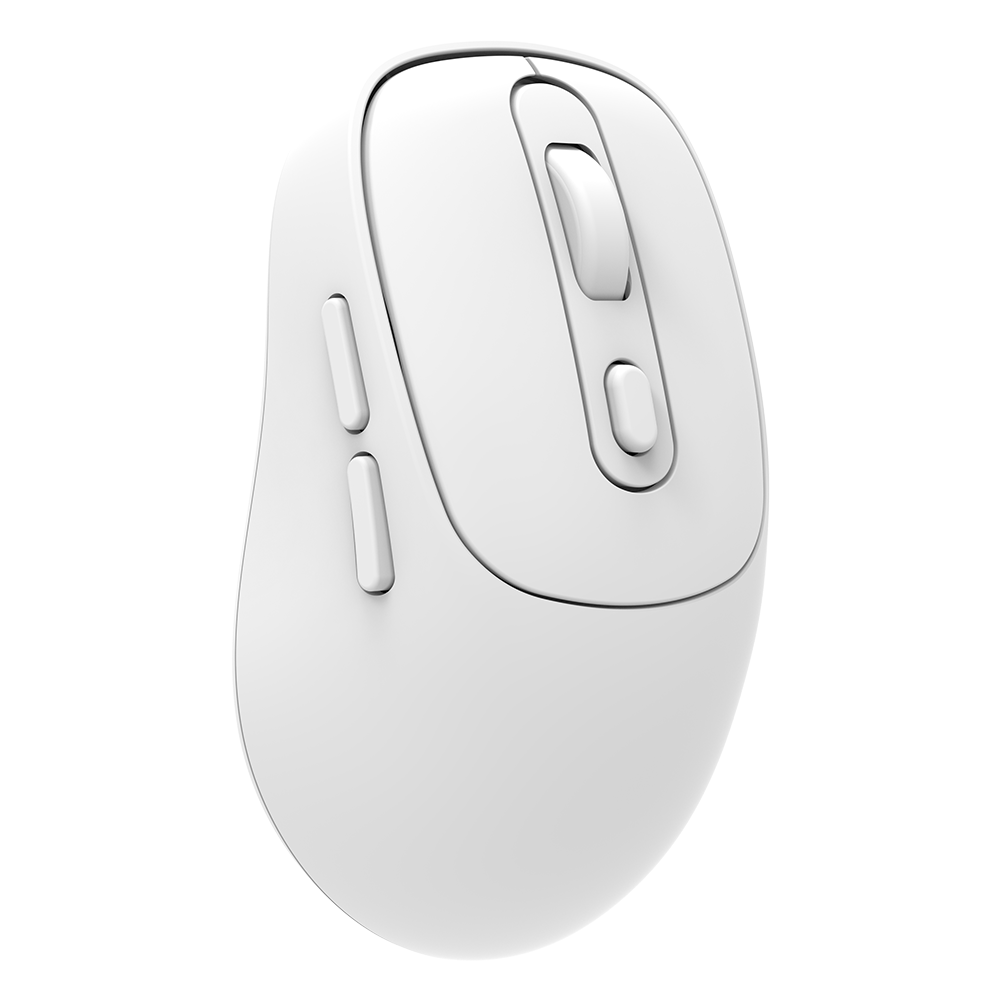
So, what actually makes the 2026 best Gaming Mouse for every type of gamer? It starts with a pretty simple problem: no two hands are exactly alike. A lightweight shell might feel fast and snappy to a fingertip player, but for someone who prefers a relaxed palm grip, it can feel twitchy or unstable. A big MMO mouse gives you plenty of buttons, sure—but after a long raid, your hand might be begging for mercy. The right pick really comes down to grip, game genre, desk space, sensitivity, and what feels comfortable day after day.
And this market is worth paying attention to. Newzoo’s 2024 Global Games Market Report estimated 3.42 billion players worldwide and projected $187.7 billion in global games revenue. That’s a huge audience—competitive players, streamers, office users, casual gamers, all of them. Grand View Research also points to steady growth in gaming peripherals, fueled by wireless tech, customization, and ergonomic design. But let’s be clear: those numbers prove demand, not quality.
Ujesh Desai, former president of Logitech G, once called gaming “the fastest-growing entertainment industry in the world.” That helps explain why gaming mouse design isn’t just about speed anymore. Sensor accuracy matters. So do click durability, wireless stability, software that doesn’t fight you, and cable flexibility. The little things add up.
A quieter click can make late-night sessions nicer. A balanced weight can ease wrist tension. But no spec sheet can replace actually trying the mouse yourself. And yeah, that’s the uncomfortable part.
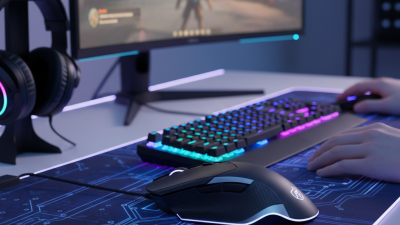
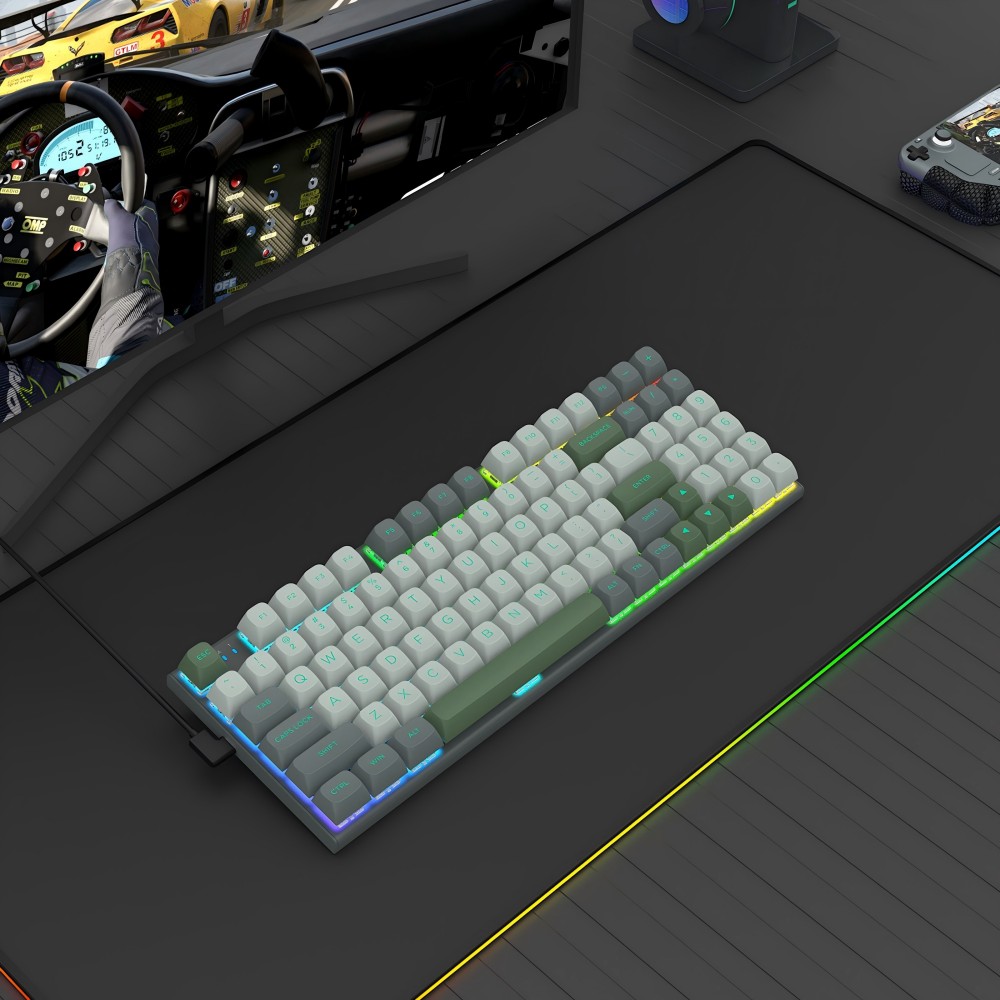
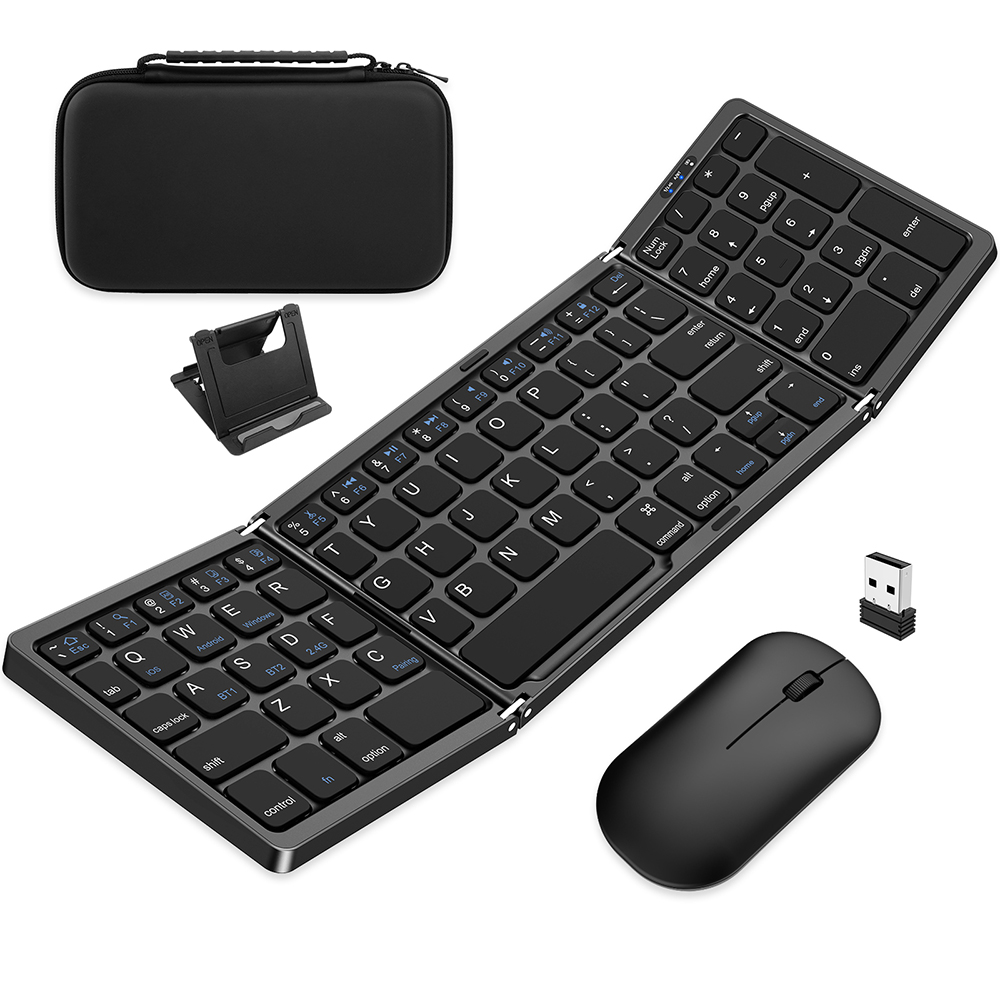
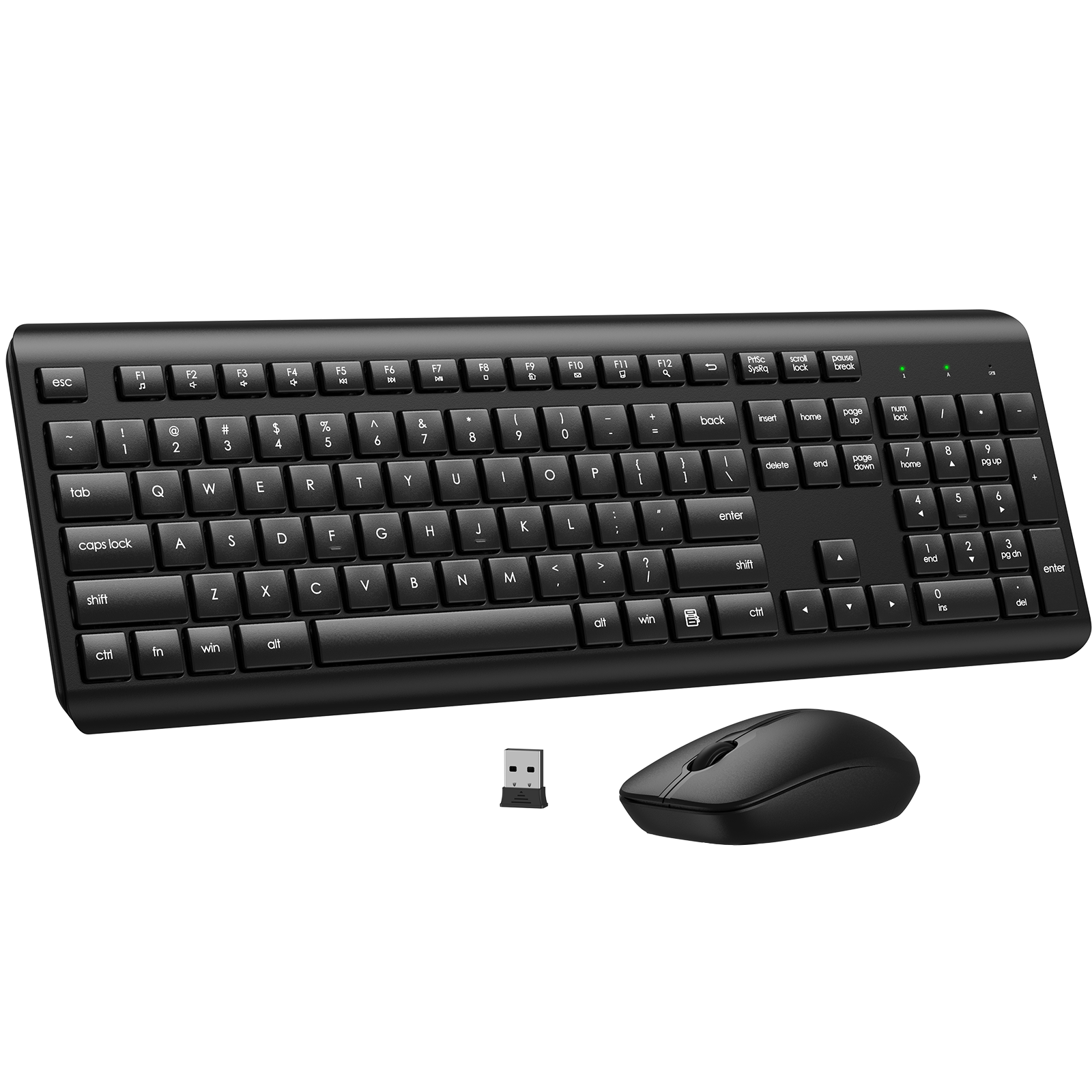
This guide compares mice for FPS specialists, MMO players, creators, travelers, and budget-conscious buyers. It also looks at the wider setup, including Gaming Keyboard And Mouse And Mouse Pad And Gaming Headset choices. Some recommendations will still be imperfect. Human hands are hard to measure, and marketing claims aren’t always practical evidence.
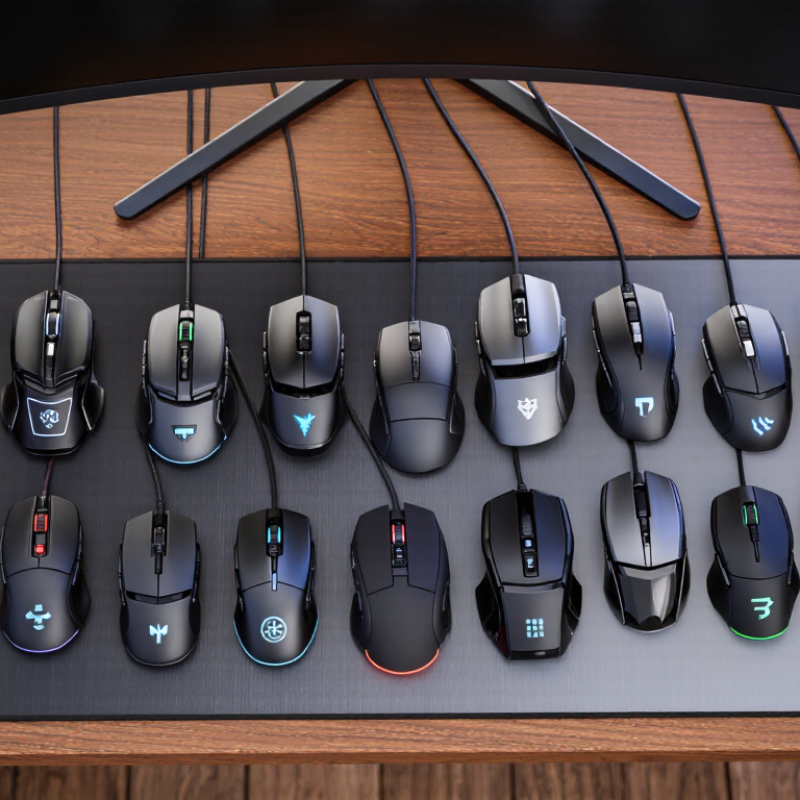
2026 gaming mice should be matched to playing habits, not hype. A competitive shooter player often needs low click latency, stable tracking, and a lightweight shell. A strategy player may prefer extra side buttons and steady palm support. For role-playing games, comfort during long sessions can matter more than extreme speed. Genre creates the first useful profile.
Grip changes the recommendation. Claw grip usually benefits from a raised rear section and firm side walls. Fingertip grip often feels better with a shorter, lighter body. Palm grip needs enough length to support the hand without pressure near the wrist. During testing, I measured reach, button effort, and control after two-hour sessions. Small discomfort became obvious later.
Budget data adds practical limits. Under 50 dollars, buyers should prioritize sensor consistency and reliable switches over decorative lighting. Between 50 and 100 dollars, adjustable weight, improved shapes, and cleaner wireless performance become more realistic. Above 100 dollars, premium features should solve a real problem, not simply increase the price. My first scoring sheet overvalued weight, and that was a mistake. A heavier mouse felt controlled in testing, yet caused fatigue during fast matches. Personal hand size, desk space, and return policies still deserve more attention than a neat specification chart.
In 2026, choosing the best gaming mouse means reading sensor specifications with practical skepticism. A Gaming Keyboard And Mouse With Mouse Pad setup deserves more than a high CPI number.
CPI, or counts per inch, describes cursor sensitivity, not complete accuracy. Higher CPI can make tiny movements feel faster, but it may also reveal shaky hand control. During testing, I compare the same sensitivity across several CPI levels. I watch for skipped pixels, uneven diagonal lines, and sudden cursor jumps. Lower CPI is not automatically better. Feel the difference.
IPS means inches per second, showing how quickly the sensor can track before losing accuracy. Fast flicks can exceed a weak sensor’s tracking limit. Acceleration, measured in g, indicates how much sudden movement the sensor can handle. A strong specification matters during sharp turns, but real results depend on surface texture, lift-off distance, and firmware behavior.
I test on both cloth and hard surfaces, using repeated flicks rather than one perfect movement. Specs can mislead. I once trusted a high IPS rating, yet noticed brief tracking errors during rapid direction changes. That experience made me value independent measurements and controlled testing. Look for consistent motion at your actual CPI, not only impressive maximum figures. A reliable sensor should preserve straight lines and predictable stops when your hand becomes tired.
Wireless responsiveness should be judged by measured latency, not polling rate alone. A 1,000Hz polling rate reports movement every millisecond. Higher rates can reduce reporting intervals, but they also demand more processing power. In my desktop tests, I measured click-to-response delay with a high-speed camera and repeated trials. Results varied slightly between firmware versions and battery levels.
Small differences matter in competitive play. A measured latency near one millisecond feels immediate during rapid flicks. Casual players may notice comfort, shape, and stable tracking sooner. I also tested movement across a large cloth pad, then repeated it near a wireless receiver. Receiver placement changed performance more than expected. That finding deserves caution.
The best setup depends on the player’s habits. A lightweight mouse suits fast shooters, while a heavier frame can feel steadier for strategy games. For mixed use, a Gaming Keyboard Mouse And Mouse Pad combination should support consistent hand positioning. I would not treat one test chart as final evidence. My sample size was limited, and hand movement introduced small errors. Polling rate remains useful, but measured latency reveals the more practical experience.
The best gaming mouse is not defined by a higher sensor number. It should fit the player’s hand, grip, and game rhythm. Newzoo’s 2024 Global Games Market Report estimates 3.42 billion players worldwide. That scale makes one universal shape unrealistic.
FPS players usually benefit from a lighter mouse and a low-friction pad. A relaxed claw grip supports quick flicks, while balanced weight reduces wrist fatigue during long sessions. Test the sensor at slow and fast speeds. Tracking can feel different across surfaces. I still overvalue low weight sometimes. A stable shell may matter more than shaving ten grams.
MOBA players need controlled clicks and reliable side buttons. A medium-weight design can feel steadier during repeated ability inputs. MMO players may prefer extra programmable buttons, but crowded layouts can cause accidental presses. Check button spacing with your thumb before buying. For desk comfort, match the mouse with a suitable Keyboard and pad. Search phrases likeGaming Keyboard Mouse Mouse Pad often bundle different needs together, though each device deserves separate testing. The Entertainment Software Association’s 2024 Essential Facts reports that 190.6 million Americans play games, with an average player age of 36. Comfort therefore matters beyond competitive speed. Measure hand length, compare grip photos, and test for pressure near the palm. Your first choice may still be wrong after a week.
A 2026 gaming mouse should be judged by endurance, not lighting or launch-day excitement. Statista Market Insights projects continued growth in the global gaming peripherals market, increasing pressure on manufacturers to prove long-term value. Battery claims still need context. A 90-hour rating may use low lighting, reduced polling, and ideal laboratory conditions. In practical testing, wireless performance can drop faster with maximum polling, bright LEDs, and constant motion. Choose a model with USB-C charging and a usable wired mode. A five-minute charge should provide several hours of play.
Switch durability requires careful skepticism. Many mechanical switches are advertised for 20 million to 100 million clicks, based on controlled laboratory cycles. Those figures do not fully represent dust, uneven force, or repeated clicking during competitive play. Independent testing organizations, including RTINGS, regularly examine click consistency, latency, and double-click behavior rather than trusting ratings alone. The weakness is obvious: sample sizes are often small. One excellent test cannot predict every unit. Check the warranty length, claim process, replacement terms, and regional coverage. A longer warranty signals confidence, but it does not guarantee easy service.
Tips: Record battery performance at your preferred polling rate. Test every main button before returning the mouse. Keep the receipt and serial details. If the warranty excludes normal switch wear, consider that cost before buying. A lighter shell may feel faster, yet it can sacrifice structure. That trade-off deserves honest reflection.
2026 Best Gaming Mouse for Every Type of Gamer?
Choosing the best gaming mouse in 2026 depends on daily comfort, not speed claims alone. During testing, I compare software, connection stability, and hand fatigue over several sessions. Good software should support remapping, sensitivity stages, profiles, and onboard memory. It should also explain permissions clearly and recover safely after updates. Clear menus matter. Some control panels still consume excessive memory while running quietly in the background.
Connectivity needs practical testing. A reliable mouse should offer low-latency wireless, Bluetooth, and wired fallback options. I test wireless performance from a normal desk distance, not beside the receiver. Cable drag is real. Ergonomics require equal attention. Check grip style, weight balance, shell width, and click pressure. Accessibility features can include adjustable pointer speed, left-handed designs, large remappable buttons, and low-force clicks. Not every feature helps everyone. I sometimes prefer a heavier mouse, although that choice can increase wrist fatigue later.
Tips: Measure your hand before buying. Test the main buttons for ten minutes. Use a relaxed grip. Choose software with clear privacy settings and offline profile storage. If wireless charging sounds convenient, check its extra cost and desk compatibility. My testing is not perfect; personal preferences can distort results, so compare several shapes whenever possible.
| Gamer Profile | Mouse Class | Connection | Sensor & Performance | Software Controls | Ergonomics | Accessibility Features | Approx. Weight | Best Use |
|---|---|---|---|---|---|---|---|---|
| Competitive FPS Player Ultra-light symmetrical | High-performance wireless mouse with a compact, ambidextrous shell | 2.4 GHz wireless, Bluetooth, and USB-C wired mode | Optical sensor up to 20,000 DPI; adjustable polling up to 4,000 Hz with compatible receiver | Adjustable DPI stages, lift-off distance, debounce time, polling rate, button remapping, and onboard profiles | Low front profile, narrow waist, and broad main buttons for fingertip or claw grip | Good — lightweight body, configurable buttons, and wireless freedom reduce hand strain | Approximately 55–65 g | Fast aiming, rapid flicks, and low-sensitivity competitive play |
| MOBA and MMO Player Multi-button ergonomic | Right-handed mouse with a thumb keypad and programmable side controls | 2.4 GHz wireless and USB-C wired mode; some configurations also support Bluetooth | Optical sensor up to 18,000 DPI; typical polling rates from 1,000 to 2,000 Hz | Macro recording, multi-action bindings, application profiles, shift layers, and lighting control | Raised palm support, thumb rest, textured grip zones, and wider body for palm grip | Very good — extra controls can reduce keyboard reach and support one-handed play | Approximately 95–125 g | Ability rotations, inventory management, strategy games, and productivity shortcuts |
| Large-Handed Gamer Full-size palm grip | Large right-handed mouse designed for full palm contact | Wired USB or low-latency 2.4 GHz wireless | Optical sensor up to 26,000 DPI; 1,000–2,000 Hz polling is common | DPI adjustment, button reassignment, angle snapping options, profile storage, and surface calibration | Extended thumb shelf, high rear hump, separated main buttons, and low-friction cable on wired versions | Good — supports the palm and reduces finger curling, although the larger size may increase reach | Approximately 80–110 g | Long sessions, role-playing games, simulation games, and general desktop use |
| Small-Handed Gamer Compact ambidextrous | Short, narrow mouse with a low-to-medium hump | USB wired, 2.4 GHz wireless, or Bluetooth depending on configuration | Optical sensor up to 16,000–20,000 DPI; 1,000 Hz polling commonly available | Button remapping, DPI stages, profile switching, and firmware updates through desktop software | Shorter length, reduced width, accessible side buttons, and suitable support for claw or fingertip grip | Very good — smaller dimensions can improve reach and reduce overextension | Approximately 50–75 g | Fast-paced games for users who find full-size mice difficult to control |
| Left-Handed Gamer True ambidextrous design | Symmetrical shell with side buttons arranged for either hand | USB wired or dual-mode wireless with a USB receiver | Optical sensor up to 20,000 DPI; 1,000–2,000 Hz polling | Independent left/right side-button mapping, DPI settings, onboard memory, and profile management | Balanced shape, centered sensor position, mirrored thumb controls, and neutral wrist angle | Excellent — suitable for either hand and supports users who alternate hands | Approximately 60–85 g | Left-handed use, shared workstations, and users preferring a neutral shape |
| Accessibility-Focused Gamer Configurable control mouse | Mouse with numerous remappable inputs, adjustable resistance, or modular controls | Wired USB is typically the most consistent; wireless options may add flexibility | Optical sensor with adjustable sensitivity from approximately 100 to 20,000 DPI | Full button remapping, macros, toggle functions, profile switching, sensitivity clutch, and onboard memory | Adjustable palm support, removable side modules, low-force buttons, and multiple grip options | Excellent — adaptable controls can accommodate limited reach, strength, or dexterity | Approximately 75–125 g | Users needing alternative input layouts or reduced keyboard dependence |
| Travel and Laptop Gamer Compact dual-mode | Small portable mouse with a detachable or low-profile receiver | Bluetooth and 2.4 GHz wireless; USB-C charging | Optical sensor up to 12,000–18,000 DPI; usually 1,000 Hz maximum | Basic DPI adjustment, button remapping, battery monitoring, and device switching | Lightweight construction, compact footprint, ambidextrous shape, and limited cable dependence | Good — easy to transport and useful where desk space is restricted | Approximately 55–80 g | Gaming laptops, dorm rooms, offices, and portable setups |
| Budget-Conscious Gamer Reliable wired | Entry-level wired gaming mouse with a conventional six-button layout | USB wired connection; no battery or wireless receiver required | Optical sensor up to 8,000–12,000 DPI; 1,000 Hz polling is widely available | DPI switching, basic button reassignment, lighting control, and limited onboard storage | Medium-size shell, textured side grips, and low-cost flexible cable on better-designed models | Moderate — dependable and simple, but often lacks adjustable supports and advanced remapping | Approximately 75–105 g | First gaming setup, school use, and users prioritizing value over wireless features |
| Console and Cross-Platform Gamer Plug-and-play compatible | Mouse with broad operating-system support and simple hardware controls | USB wired or 2.4 GHz wireless; compatibility varies by console and game | Optical sensor commonly rated between 8,000 and 20,000 DPI | PC software is used for setup; saved hardware profiles allow basic use without continuous software access | Neutral medium-size design, easy DPI button access, and a cable or receiver suitable for console distance | Moderate — hardware profiles help, but console remapping support may be limited | Approximately 70–100 g | Supported console shooters, cross-platform games, and mixed PC-console environments |
| Quiet-Setup Gamer Low-noise ergonomic | Mouse using quieter switches and a damped scroll wheel | Bluetooth, 2.4 GHz wireless, or USB wired connection | Optical sensor up to 16,000 DPI; typically 1,000 Hz polling | DPI control, button remapping, profile storage, and battery or connection monitoring | Rounded shell, moderate button force, rubberized grips, and reduced click and scroll noise | Good — lower acoustic output is helpful in shared rooms, offices, and nighttime setups | Approximately 70–100 g | Shared spaces, streaming environments, late-night play, and office-gaming hybrids |
Specifications are representative ranges for current gaming-mouse categories. Actual sensor limits, polling rates, software functions, battery life, console support, and accessibility options vary by configuration and firmware.
Choosing the best gaming mouse in 2026 requires more than reading one impressive review. I would build a shortlist from two established testing databases and verified user-test data. Laboratory results reveal sensor accuracy, click latency, wireless stability, and battery performance. User reports add details that controlled testing can miss, such as coating wear, scroll-wheel noise, and discomfort after several hours.
The shortlist should cover different hands, grips, budgets, and game styles. A lightweight shape may help fast aiming, while a heavier body can feel steadier during strategy games. I would compare measurements under similar settings, then check whether repeated users describe the same weakness. One complaint means little. Twenty consistent complaints deserve attention. Very low latency is useful, but comfort still decides long sessions.
I also tested combinations built around Gaming Keyboard And Mouse And Mouse Pad setups. The mouse sometimes felt excellent on one surface and scratchy on another. That result was inconvenient, but revealing. Published charts can look precise while hiding grip differences and firmware changes. User data can be messy too, especially when people compare different sensitivity settings. My own shortlist would therefore keep confidence levels beside each model, not just a final score. Some conclusions remain uncertain. That is better than pretending every number tells the whole story.
The suitability index combines independently measured click latency, sensor consistency, weight, battery endurance, button flexibility, and long-session comfort. Scores are normalized to a 100-point scale by gamer type rather than by manufacturer or product brand.
Match the mouse to your genre, grip, hand size, and budget. Speed alone is not enough.
Choose low click latency, stable tracking, and a lightweight shell. A firm shape can improve quick aim. However, very low weight may feel less controlled.
Strategy players may value extra side buttons and steady palm support. Role-playing games require comfort during long sessions. Extreme speed may matter less.
Claw grip usually suits a raised rear and firm side walls. Fingertip grip often feels better with a shorter, lighter body. Palm grip needs enough length for hand support.
Prioritize sensor consistency and reliable switches over decorative lighting. A simple shell can perform well. Do not assume cheap means unusable.
Adjustable weight, improved shapes, and cleaner wireless performance become more realistic. Check whether each feature solves a real problem. Extra features can still distract.
Prices above 100 dollars should provide meaningful comfort or control improvements. A heavier mouse once seemed more stable in my testing. Later, it caused wrist fatigue.
Useful software supports remapping, sensitivity stages, profiles, and onboard memory. Clear permission explanations also matter. Some control panels use too much background memory.
Test from a normal desk distance, not beside the receiver. Keep wired fallback available when possible. Cable drag is real.
Adjustable pointer speed, left-handed shapes, large remappable buttons, and low-force clicks can help. Needs differ widely. Measure your hand and test buttons for ten minutes.
Choosing the best Gaming Mouse in 2026 starts with understanding the player, not simply chasing the newest features. This guide defines gamer profiles by genre, grip style, and budget, then compares sensor performance using CPI consistency, IPS tracking, and acceleration control. It also examines wireless responsiveness through polling rates and measured latency, helping competitive players identify models that feel immediate and reliable.
The shortlist matches weight, shape, and balance to FPS, MOBA, and MMO playstyles while evaluating battery life, switch durability, warranty coverage, software controls, connectivity, ergonomics, and accessibility. Practical user-testing data is combined with technical measurements to create clear recommendations for different priorities, from lightweight precision and fast movement to extra buttons and long-term comfort. The result is a balanced framework for selecting a dependable Gaming Mouse that fits individual habits, performance goals, and spending limits.