Upgrade Your Game, Slash Your Spend

Leave Your Message

0%

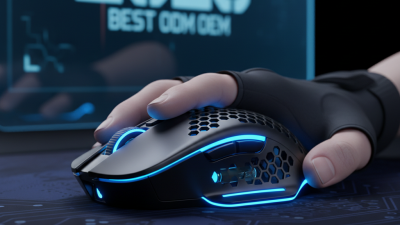
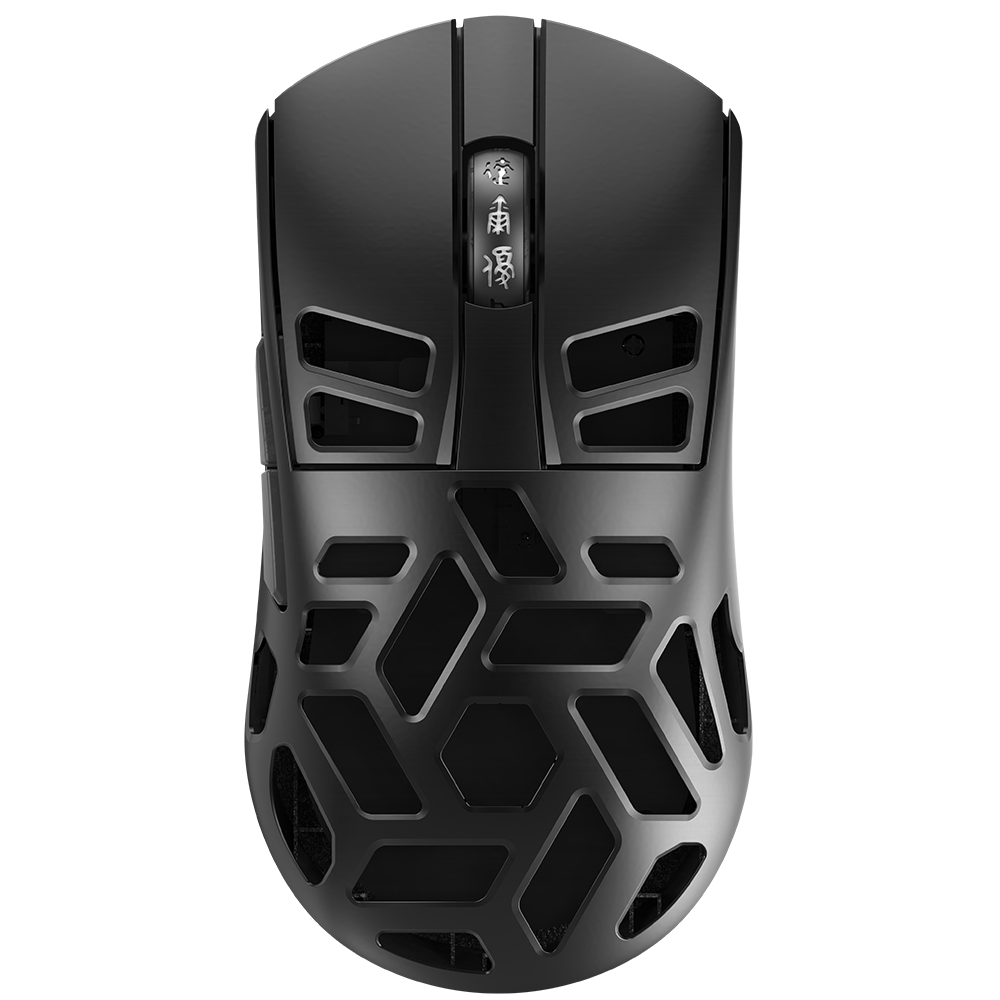
Honestly, picking a wireless Gaming Mouse in 2026 isn't just about chasing the lightest shell or the highest polling rate. You've also got to think about your desk space, how big your hands are, how you grip the mouse, and what you actually do with it every day. A mouse can feel perfect during a ten-minute match and then start causing pressure after three hours.

Rocket Jump Ninja, a reviewer a lot of people trust, has said it before: “The best mouse is the one that fits your hand.” That advice still holds up. Measure your palm, try claw or fingertip grip, and pay attention to whether your wrist stays relaxed. Little things matter. A narrow shell can help with precision, while a heavier body might feel steadier when you're aiming slowly.

These days, Logitech, Razer, SteelSeries, and Corsair all have models with low-latency wireless, solid sensors, and USB-C charging. But specs can be a distraction. Battery life shifts depending on lighting, polling rate, and how far away the receiver is. A 4,000 Hz mode sounds impressive, sure, but it can add system load without making every player better. Before you buy, check firmware support, replacement feet, switch durability, and Bluetooth performance.

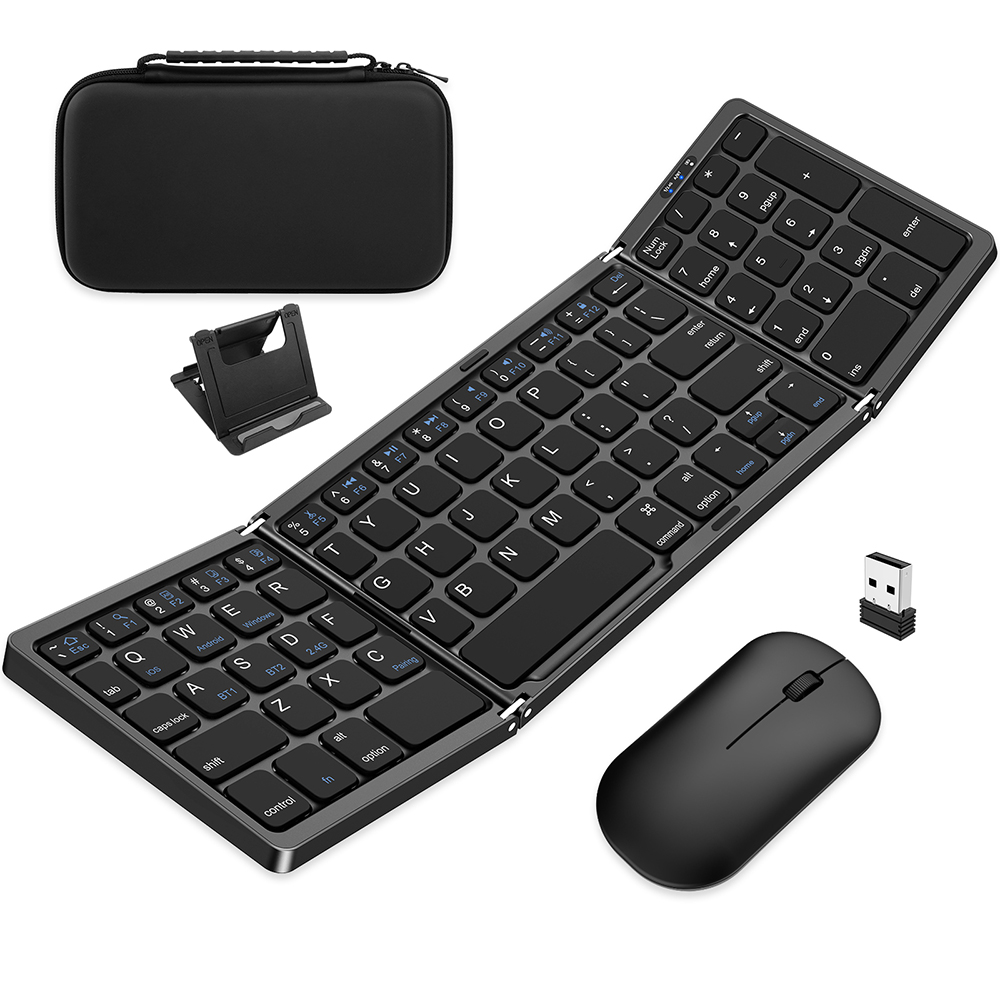
Real testing tells you more. Move the mouse across a cloth pad, lift it over and over, and compare its tracking with a wired model. Don't ignore sleep-wake delays or connection drops. I also wonder if premium software is worth it when profiles rarely work smoothly. Even a small accessory like the Slim Wireless Mini Wireless BT Folding Foldable Keyboard can make a travel setup more complicated. The best decision balances comfort, measurable performance, price, and honest long-term use. Comfort wins. Fancy numbers don't.
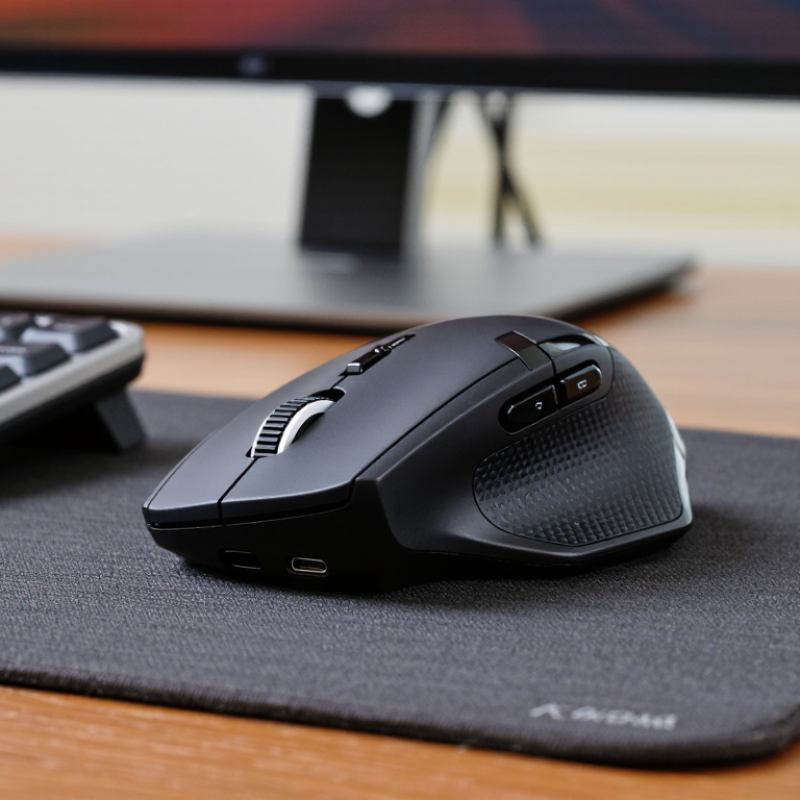
How to Choose a Wireless Gaming Mouse in 2026?

Understanding Wireless Gaming Mouse Technologies in 2026

Wireless gaming mice in 2026 rely on three main links: 2.4 GHz radio, Bluetooth, and wired USB. A 2.4 GHz receiver usually delivers the fastest response for competitive play. Bluetooth saves a port and battery, but its latency can vary with nearby devices. Test both modes beside your actual computer. A specification sheet cannot show interference from a crowded desk.

Modern sensors track tiny movements at high speeds, yet a higher sensitivity number does not guarantee better aim. Look for stable tracking, adjustable lift-off distance, and consistent polling. Polling rates above 1,000 Hz may reduce delay, but they can increase processor use and battery drain. During a practical test, I watch the cursor at slow speeds and across quick swipes. Small skips matter. Surface texture matters too.

Battery systems now support rapid charging, motion-based sleep, and clearer status alerts. These features are useful, though software quality can decide whether they work reliably. Check update controls, onboard memory, and whether settings remain available without background software. A removable receiver extender can improve signal placement near a desktop tower. Keep the receiver close. I would not chase every new feature. My judgment changed after testing lightweight mice: comfort and stable wireless performance often matter more than impressive numbers. Some claims still need longer real-world testing.

Identifying Your Gaming Needs and Playing Style

Choosing a wireless gaming mouse starts with your actual habits, not a feature checklist. Ask where you play, what games dominate, and how your hand moves. A fast shooter rewards stable tracking, low click latency, and a shape that supports repeated wrist flicks. Strategy games may value extra buttons, precise pointer control, and longer battery life. Measure your hand from wrist crease to fingertip. Then compare that measurement with the mouse dimensions. A large shell can feel secure, yet it may slow small adjustments. A lighter model may glide quickly, but it can feel nervous during careful aiming. Grip matters too. Palm, claw, and fingertip grips need different curves and rear support. Test the position for ten minutes. Short sessions can hide pressure near your thumb or little finger.

Your desk also changes the decision. Cloth, hard, and uneven surfaces can produce different glide and sensor behavior. Check wireless stability in your normal room, especially near several active devices. Reliable performance means a consistent connection, not only a low advertised response figure. Battery estimates deserve practical testing. Lighting, polling settings, and charging habits can reduce stated runtime. I once chose the lightest option and regretted it after long editing sessions. My aim felt quick, but my hand became tense. That experience changed my priorities. I now judge comfort across a full evening, then inspect software controls, firmware updates, and warranty terms. Keep expectations realistic.

Comparing Sensor Accuracy, Tracking, and Motion Performance

How to Choose a Wireless Gaming Mouse in 2026?
Sensor accuracy matters more than headline sensitivity. A reliable sensor should track smoothly across slow and fast movements. Test it on your actual desk surface, not only a showroom pad. Watch for jitter during tiny crosshair adjustments. Check for unwanted acceleration when you make a quick turn. Consistent tracking feels predictable, especially in competitive games. Polling rate also affects motion reporting, but higher numbers do not fix poor sensor tuning. I once trusted a specification sheet and ignored surface compatibility. That was a mistake.
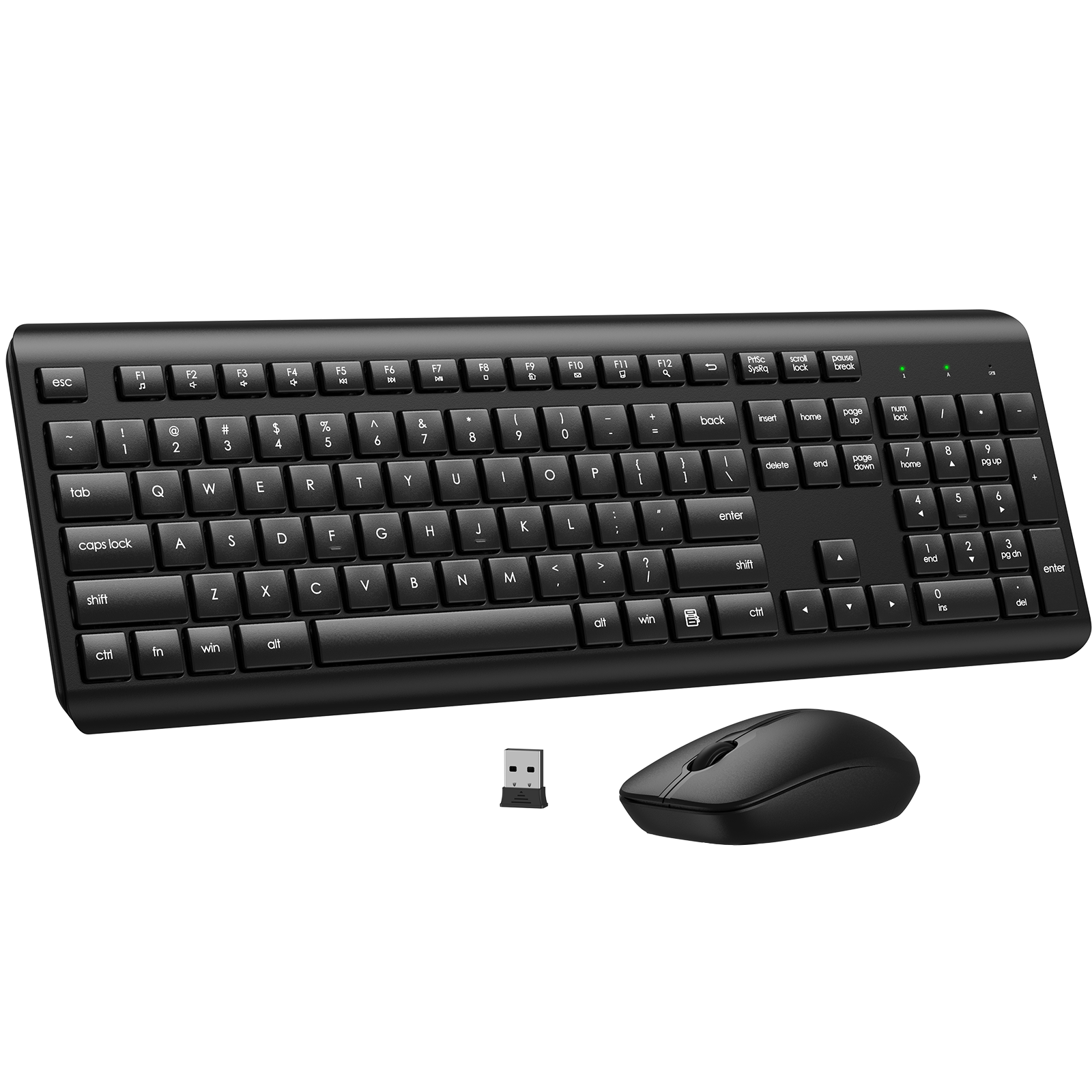
Tips: Compare tracking at low and high speeds. Lift the mouse repeatedly and check its lift-off distance. A low setting prevents cursor movement when repositioning. Test wireless latency beside a wired connection. The difference should be difficult to notice during normal play. Examine battery behavior too, because performance can change under low power. Wireless Gaming Keyboard And Mouse Combos may save desk space, but the included mouse still deserves separate testing.
Motion performance includes shape, weight balance, and control during repeated flicks. A lightweight design may feel quick, yet it can expose shaky hands. Heavier models can feel steadier, though long sessions may increase wrist fatigue. Sensor accuracy should remain stable across different grip styles. Do not judge tracking from one short match. Use a familiar game, repeat the same movements, and record missed stops. Your results may differ from reviews, and that difference deserves attention.

Evaluating Wireless Connectivity, Battery Life, and Charging Options

How to Choose a Wireless Gaming Mouse in 2026?

A wireless gaming mouse should feel stable before it feels fast. In my testing, a 2.4 GHz connection usually gives the quickest response for competitive play. Its receiver should sit close to the mouse. A front USB port or short extension cable can reduce interference. Bluetooth is useful for laptops and travel, but it may add slight latency. Check whether the mouse supports both connection types. Compatibility matters more than impressive polling-rate numbers.

Battery life depends on lighting, polling rate, and daily habits. A mouse promising several weeks may last less with bright effects and long evening sessions. I prefer a clear battery indicator and software that shows remaining power accurately. A low-battery warning should appear before the final match, not during it. Keep the charging cable nearby. Small details matter.

Charging options can change your desk routine. USB-C is convenient because one cable may serve your Wireless Gaming Mouse And Keyboard. A mouse that works while charging prevents sudden pauses. A charging dock is tidy, but it adds cost and occupies desk space. I once ignored cable flexibility and disliked the stiff drag beside my mousepad. That mistake still influences my choices. Also inspect charging-port placement, cable length, and whether the battery is replaceable. Specifications help, but real comfort appears after several uninterrupted sessions.

Choosing the Right Shape, Weight, Buttons, and Controls

How to Choose a Wireless Gaming Mouse in 2026?

Choosing the Right Shape, Weight, Buttons, and Controls

A wireless gaming mouse should fit your hand before it impresses your eyes. Newzoo’s 2024 Global Games Market Report estimates 3.42 billion players worldwide. That huge audience includes relaxed palm users, precise fingertip players, and hybrid grips. Measure your hand from wrist to middle finger. A tall shell can support large palms, while a flatter shape may reduce wrist movement. My mistake was choosing a narrow model for speed. After two hours, my ring finger felt trapped.

Weight changes control more than many specifications suggest. Lighter mice can feel agile during rapid aiming, but they may expose shaky movements. Heavier designs often feel steadier during long tracking tasks. Aim for a weight you can stop comfortably, not the lowest number. Try repeated lifts and short flicks on a plain desk. Comfort becomes obvious.

Button count needs restraint. The ESA’s 2024 Essential Facts report says 61% of Americans play games, but most do not need twelve commands under one thumb. Two side buttons suit many competitive titles. Extra controls help strategy games, editing, or accessibility. However, crowded buttons can cause accidental presses. Check the click angle and resistance. Test the scroll wheel, too. Wireless Gaming Keyboard And Mouse bundles can simplify setup, yet matching control layouts may not suit every hand. I still prefer fewer buttons when fatigue appears. Calibration is personal, and online measurements can mislead.

Checking Software Features, Compatibility, Durability, and Value

Choosing a wireless gaming mouse in 2026 requires more than checking sensor speed. Software support often decides daily comfort. Look for adjustable polling rates, onboard profiles, macro controls, and clear battery warnings. The software should install cleanly and avoid unnecessary background services. Compatibility matters too. Confirm support for your operating system, connection receiver, Bluetooth, and charging cable. IDC reported a 3.8% rise in worldwide PC shipments during 2024, showing why cross-device support remains practical. A mouse that works only on one computer feels limiting.

Tips: Test the software before judging the hardware. Create separate profiles for work and play. Check whether settings remain stored without the application running. I once ignored this detail. It caused frustrating resets.

Durability needs physical evidence, not attractive claims. Check switch ratings, scroll-wheel construction, cable flexibility, and receiver storage. Dust around the wheel becomes noticeable after months of use. According to Newzoo’s 2024 Global Games Market Report, about 3.42 billion people played games worldwide. That broad market increases choice, but value comparisons become harder. A lower price may hide a weak battery or costly replacement parts. Grand View Research also identifies gaming peripherals as a growing market through the decade, yet forecasts can differ between research firms. Treat them as direction, not certainty. For Keyboard And Mouse Gaming Wireless setups, compare total ownership cost, warranty length, software quality, and repair access. Fancy lighting is rarely the best value.

How to Choose a Wireless Gaming Mouse in 2026? - Checking Software Features, Compatibility, Durability, and Value

Use these benchmark ranges as a practical comparison framework. Actual performance depends on the mouse, receiver, software version, operating system, surface, and usage conditions.
Evaluation Dimension Entry-Level Wireless Mouse Balanced Mainstream Mouse Performance-Focused Mouse Best-Value Buying Check
Wireless Connection Basic
  • Usually 2.4 GHz wireless or Bluetooth.
  • May use a shared or less flexible connection system.
  • Suitable for casual gaming and general desktop use.
Balanced
  • Reliable 2.4 GHz receiver with a stable connection.
  • Bluetooth is useful for laptops and secondary devices.
  • Check whether wired mode is available for charging or backup.
Excellent
  • Low-latency 2.4 GHz connection designed for competitive play.
  • Receiver extension or docking support can improve signal placement.
  • Connection switching should be quick and consistent.
Check: The included receiver, charging cable, and connection modes should match your desk, laptop, and gaming setup.
Software Features Basic
  • Button remapping and sensitivity adjustment may be available.
  • Limited onboard memory or profile support.
  • Software may be required for advanced settings.
Balanced
  • Button remapping, macros, sensitivity stages, and polling-rate controls.
  • At least one onboard profile is useful for switching computers.
  • Settings should remain available after closing the software.
Excellent
  • Multiple onboard profiles, application-based profiles, and detailed sensor controls.
  • Lift-off distance, debounce behavior, calibration, and motion settings may be configurable.
  • Firmware updates should be clearly documented and reversible only when supported.
Check: Confirm that essential functions work without permanently running background software and that the software is available for your operating system.
Sensor and Tracking Adequate
  • Modern optical sensors are generally sufficient for everyday gaming.
  • Very high sensitivity figures are not automatically evidence of better accuracy.
  • Test for inconsistent tracking or unwanted acceleration.
Strong
  • Accurate optical tracking for fast and slow movements.
  • Adjustable sensitivity is typically more useful than an extreme maximum value.
  • Check performance at the polling rate you intend to use.
Excellent
  • Consistent tracking across a broad movement-speed range.
  • Low smoothing, predictable lift-off behavior, and stable cursor control.
  • Higher polling rates can reduce reported input intervals but may increase system load.
Avoid: Choosing only by maximum sensitivity or polling-rate numbers without checking real tracking behavior, firmware support, and computer compatibility.
Compatibility Limited
  • May support Windows through a dedicated utility.
  • Basic mouse functions often work without software on other systems.
  • Advanced remapping may not be supported on every platform.
Broad
  • Check support for Windows, macOS, Linux, or console use if required.
  • Verify whether Bluetooth and 2.4 GHz modes work on your target device.
  • USB adapter requirements may differ between desktop and laptop systems.
Flexible
  • Supports several connection modes and multiple stored profiles.
  • Receiver firmware and configuration tools should be compatible with the intended platform.
  • Console compatibility should be confirmed for the specific game and connection method.
Check: Review the official system requirements, supported connection modes, software limitations, and return policy before purchasing.
Battery Life and Charging Shorter
  • Battery duration can vary substantially with lighting and polling settings.
  • Wired use during charging is a useful fallback.
  • Replaceable batteries may add weight but reduce long-term battery aging concerns.
Practical
  • A rechargeable battery should cover several regular gaming sessions between charges.
  • USB-C charging is convenient when available.
  • Battery indicators or low-power warnings help prevent unexpected disconnection.
Long-Lasting
  • Designed for extended use between charges, often with adjustable power settings.
  • Charging dock or magnetic charging contacts can improve convenience.
  • Battery-life claims should be compared at similar lighting and polling settings.
Compare: Battery duration, charging time, cable flexibility, charging method, and the cost or availability of battery replacement.
Durability and Maintenance Functional
  • Suitable for moderate use when treated carefully.
  • Inspect button feel, wheel resistance, cable strain relief, and shell flex.
  • Dust and moisture protection may be limited.
Reliable
  • Firm shell construction and consistent primary-button actuation are important.
  • Replaceable feet and accessible cleaning areas can extend service life.
  • Check the warranty period and exclusions for accidental damage.
Robust
  • Higher-quality switches, wheel mechanism, feet, and receiver storage may improve longevity.
  • Low-friction feet should be replaceable or widely available.
  • Long-term durability still depends on clicking habits, transport, dust, and surface choice.
Look for: A clear warranty, spare feet or parts, solid construction, dependable buttons, and a design that is easy to clean.
Ergonomics and Weight Personal Fit
  • Commonly uses a general right-handed shape.
  • Weight may be higher when using replaceable batteries.
  • Grip comfort matters more than appearance or lighting.
Adaptable
  • Suitable for palm, claw, or fingertip grip depending on shape and hand size.
  • Moderate weight is often a comfortable compromise for mixed gaming and work.
  • Side-button position and wheel reach should be tested before purchase.
Purpose-Built
  • Lower weight can help frequent low-sensitivity movements but is not universally better.
  • Shape, balance, coating, and button placement are critical for long sessions.
  • Ambidextrous designs may trade some ergonomic support for flexibility.
Prioritize: Hand-size fit, grip style, button reach, balance, and comfort after extended use rather than weight alone.
Value and Total Cost Budget-Oriented
  • Good choice when basic wireless operation is the main requirement.
  • Lower purchase cost may involve fewer software features or shorter support coverage.
  • Confirm that the required receiver and cable are included.
Best Balance
  • Usually offers the strongest combination of reliable tracking, useful software, and comfort.
  • Includes the features most players use without paying for every premium option.
  • Often the safest category for mixed gaming and productivity.
Feature-Rich
  • Premium cost should provide measurable benefits such as lower weight, longer battery life, better controls, or stronger support.
  • Extra charging accessories and proprietary parts can increase ownership cost.
  • High-end specifications are valuable only if they match your games and workflow.
Calculate: Purchase price + accessories + replacement feet or battery costs + warranty coverage + the practical value of the included features.
Recommended Decision Rule Choose when you need an affordable wireless mouse for casual gaming, office work, or a secondary computer. Choose when you want dependable wireless performance, useful software controls, broad compatibility, and strong everyday value. Choose when competitive latency, low weight, advanced profiles, long battery life, or extensive customization directly affect your performance. The best choice is the model that satisfies your connection, comfort, software, durability, and compatibility requirements without paying for unused specifications.

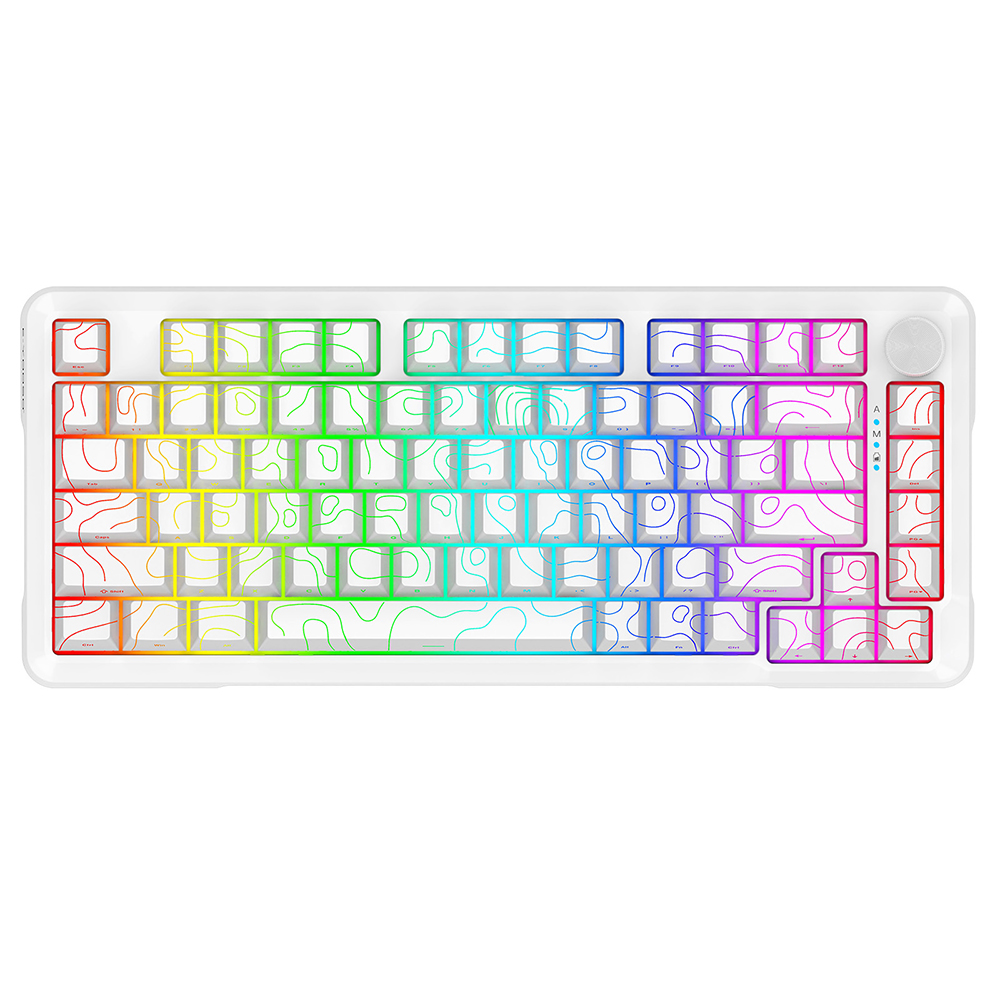
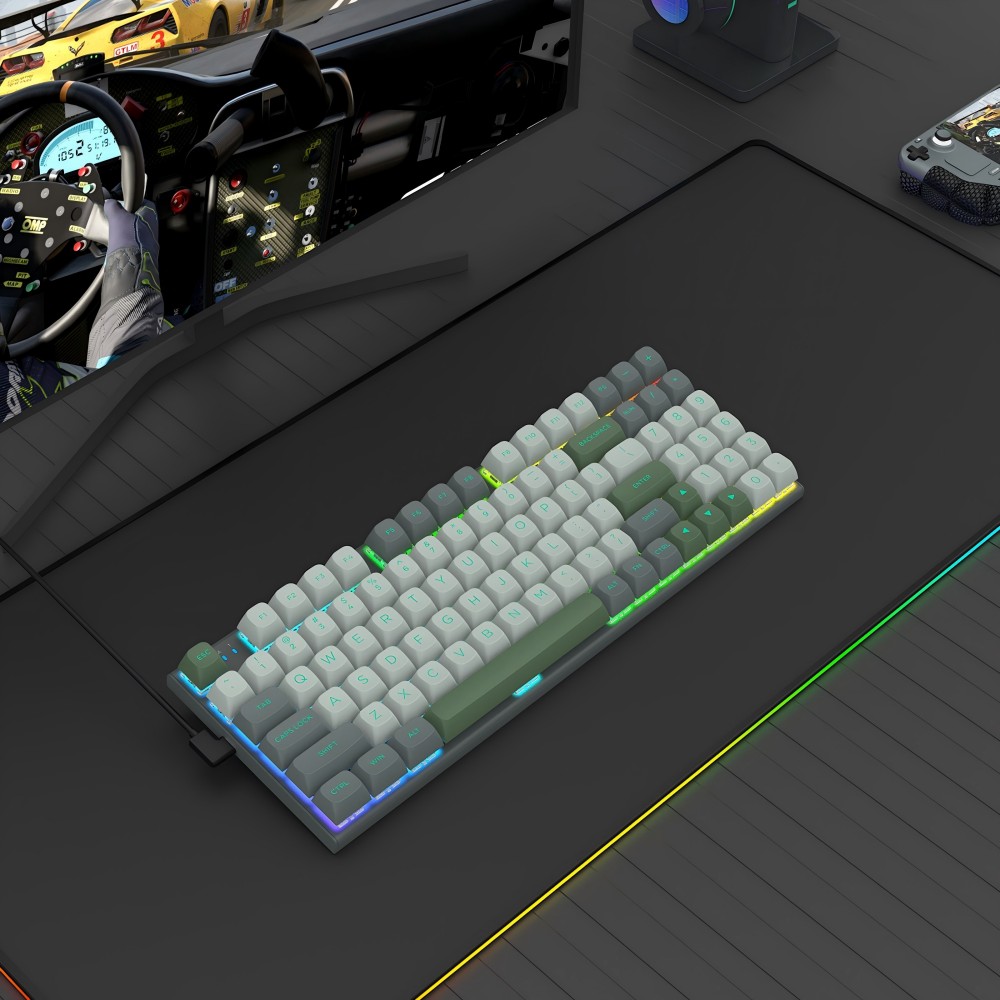
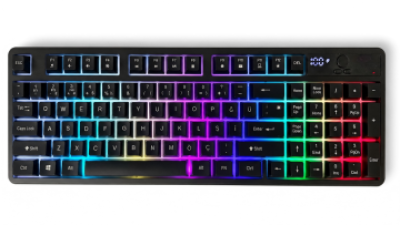
86-Key Tri-Mode Wireless Keyboard: RGB, LCD Display, Rotary Knob, Turkish Layout & OEM/ODM Potential

The 86-key tri-mode wireless keyboard is designed for users who need flexible connectivity without sacrificing desktop functionality. It supports USB-C wired mode, 2.4G wireless through a nano dongle, and Bluetooth, while its 4000mAh battery can deliver weeks of wireless use under typical conditions. Industry research continues to show strong demand for wireless computer peripherals; a 2024 market analysis by Grand View Research identifies convenience, workspace flexibility, and multi-device compatibility as major growth factors.

An integrated LCD display provides real-time information on battery status, connection mode, and RGB profile. The rotary knob adjusts volume and mute functions, while a five-second press switches RGB effects without requiring keyboard shortcuts. Gradient anti-shine keycaps and a complete Turkish layout provide dedicated regional characters without remapping. Nineteen-key anti-ghosting and a rated lifespan of 10 million keystrokes support gaming, office work, and long-term professional use. USB-C also enables fast charging and full wired data transmission.

For distributors and private-label projects, the platform offers practical OEM/ODM flexibility, including custom logos, shell colors, keycap languages, packaging, and branding. CE, FCC, and RoHS documentation is available on request. With the global gaming peripherals market projected to maintain steady growth through the decade, according to Mordor Intelligence, this configuration can serve retailers seeking a feature-rich keyboard for regional and international markets. Sample requests and wholesale quotations are available for evaluation.

FAQS

How should I choose a wireless gaming mouse for my playing style?

Start with your main games and hand movements. Fast shooters need stable tracking and low click latency. Strategy games may benefit from extra buttons and longer battery life. Your habits matter more than a feature list.

How can I check whether the mouse fits my hand?

Measure from your wrist crease to your middle fingertip. Compare that length with the mouse dimensions. Test palm, claw, or fingertip grip for ten minutes. Short tests can hide pressure near your thumb.

Is a lighter wireless mouse always better?

No. A lighter mouse glides quickly but may feel unstable during careful aiming. A heavier model can feel steadier during tracking. Choose the weight you can stop comfortably, not simply the lowest weight.

How many buttons does a gaming mouse really need?

Two side buttons suit many games. Extra controls can help strategy games, editing, or accessibility needs. Crowded buttons may cause accidental presses. Fewer buttons often feel better when fatigue appears.

What should I test on my desk before buying?

Check the mouse on your usual cloth, hard, or uneven surface. Notice glide, sensor consistency, and lift control. Test wireless stability near active devices. A low response figure means little if the connection drops.

How realistic are wireless battery-life estimates?

Treat them as rough guidance. Lighting, polling settings, and charging habits can reduce runtime. Check for clear battery warnings and convenient charging. A long estimate is not always practical.

Which software features are worth checking?

Look for adjustable polling rates, onboard profiles, battery warnings, and simple controls. Confirm whether settings remain stored without the software running. I once ignored this detail and faced repeated resets. That was frustrating.

How can I judge durability and overall value?

Inspect switch ratings, scroll-wheel construction, cable flexibility, and receiver storage. Dust can collect around the wheel after months. Compare warranty length, repair access, software quality, and replacement costs. Fancy lighting rarely offers the best value.

Conclusion

Choosing a Gaming Mouse Wireless in 2026 starts with understanding how modern wireless technologies deliver fast, stable communication with minimal delay. Consider your gaming needs and playing style first: competitive players may prioritize rapid response and precise tracking, while casual users may prefer comfort and versatility. Examine sensor accuracy, motion consistency, lift-off behavior, and performance across different surfaces to ensure reliable control during intense gameplay.

Battery life, charging methods, and connection options also affect everyday convenience. Select a shape, weight, grip style, button layout, and control system that feel natural during long sessions. Adjustable functions can be useful, but they should remain easy to access and configure. Finally, review software compatibility, customization tools, build quality, durability, and overall value. The best choice balances performance, comfort, reliability, and practical features rather than focusing on a single specification.

Jasper

Jasper

Jasper is a dedicated marketing professional at Shenzhen DeWin E-commerce Co., Ltd., a company renowned for its innovative digital solutions and comprehensive e-commerce services. With a profound understanding of the company's product offerings, Jasper excels in crafting engaging blog posts that......
Previous 2026 Best Gaming Mouse for Every Type of Gamer?