Choosing a reliable Wireless Gaming Mouse involves more than counting buttons or quoting maximum DPI. Global buyers often compare sensor accuracy, wireless latency, battery endurance, comfort, software support, and warranty access. This guide introduces ten leading brands, including Logitech, Razer, Corsair, SteelSeries, ASUS, and other established manufacturers. Each brand serves different hands, games, budgets, and working environments. A lightweight mouse may feel excellent during fast matches, yet become tiring during long office sessions. Small details matter.
Our evaluation framework follows practical buyer experience and technical evidence. We consider connection stability in crowded wireless environments, charging methods, receiver design, switch durability, and ergonomic shape. We also examine whether companion software is understandable for everyday users. Regional pricing and after-sales service receive attention too. A premium model can lose value when replacement parts are difficult to obtain. That happens.
The phrase Slim Wireless Mini Wireless BT Folding Foldable Keyboard belongs to another accessory category, but it highlights an important buying lesson: product names can become confusing. Specifications deserve closer reading. No ranking is perfect. Personal grip style, hand size, preferred games, and desk space can change the result. Some performance claims may also vary after firmware updates or newer releases. For that reason, this overview avoids declaring one universal winner. Instead, it helps international shoppers identify the Wireless Gaming Mouse brand that best matches their real usage, connectivity needs, and long-term expectations. The strongest choice is often the one that performs consistently, not the one with the most impressive box.
Global Market Context: Newzoo’s 3.2B+ Global Gamer Estimate
Newzoo’s Global Games Market Report estimated more than 3.2 billion players worldwide in 2023. That figure changes how buyers assess wireless gaming mouse brands. The audience is not limited to competitive PC players. It includes mobile users, console households, and people who play casually after work. A larger audience creates varied expectations for comfort, battery life, connection stability, and price.
Newzoo also reported a global games market worth about $184 billion in 2023. Wireless accessories compete within this expanding ecosystem. Buyers in crowded markets may prioritize low-latency performance, while remote workers may value quieter clicks and ergonomic shapes.
In practice, a mouse should remain responsive across apartments, cafés, and shared offices. Small details matter, such as a receiver extension cable or a clearly visible charging indicator.
The estimate is useful, but not perfectly clean. Player definitions differ across reports and regions. That limitation deserves attention. Circana’s consumer technology research also shows that purchase decisions increasingly involve broader device ecosystems, not isolated products. This helps explain interest in Wireless Gaming Keyboard And Mouse Combos, especially among first-time buyers. However, bundled convenience can hide compromises in sensor tuning or Keyboard feel. A careful Top 10 Wireless Gaming Mouse Brands comparison should examine measured latency, warranty coverage, software privacy, and repair support.Marketing claims alone are not enough.
Selection Method: RTINGS Latency, Battery, Price, and Support Tests
Choosing the top 10 wireless gaming mouse brands for global buyers requires more than checking sensor speed. RTINGS latency tests offer a useful starting point because they measure click response and wireless delay under controlled conditions. A mouse may feel instant during a short match, yet show slower results after interference or low battery levels.
Battery testing also matters during daily use. Look for results recorded with realistic lighting and polling settings, not only the longest possible claim. A device lasting 70 hours may suit weekend players, while frequent travelers may need longer endurance. Price should be judged against measured performance, warranty coverage, and included accessories. Cheap is not always efficient.
Support tests reveal less visible risks. Check firmware access, replacement policies, regional service, and software stability. This is especially important when pairing a Wireless Gaming Mouse And Keyboard across different operating systems. I would also inspect charging cables and receiver storage in person. Small details matter. No test is perfect. RTINGS results provide authority, but personal grip, desk distance, and local support can change the decision. One weakness remains easy to miss: advertised battery life often depends on settings most buyers never use.
Wireless Technology: 2.4 GHz, Bluetooth, and 1,000-Hz Polling Standards
For global buyers comparing the top ten wireless gaming mouse brands, wireless standards matter more than logos. In hands-on testing, a 2.4 GHz receiver usually delivers the most consistent response. It feels close to a wired connection during fast tracking. Place the receiver near the mouse. A crowded desk, metal case, or USB hub can weaken reliability. I once blamed the sensor for skipped movement. The receiver was hidden behind a monitor. That mistake changed my testing routine.
Bluetooth is useful for laptops, tablets, and travel setups. It avoids a dedicated receiver and often extends battery life. However, connection recovery can feel slower after sleep mode. Competitive players may notice this delay during sudden aim adjustments. Office environments also contain many wireless signals. Results vary by device, operating system, and power settings. Test the mouse before a tournament or important work session. Convenience wins here. Absolute performance does not.
A 1,000-Hz polling rate reports mouse movement about every millisecond. That can create smoother cursor updates and more immediate input. Yet it may increase processor activity and battery consumption. Higher polling is not automatically better on every computer. Older systems can show uneven frame pacing, especially with demanding games. Check motion consistency, click response, and battery drain together. Keep firmware current through reputable support channels, and verify regional warranty terms before buying. My measurements are useful, but never universal. Room layout and hand movement still affect the experience.
Sensor Benchmarks: PixArt PAW3395 and 26,000-DPI Class Performance
For global buyers, wireless gaming mouse performance depends on more than maximum DPI. A PAW3395-class sensor can reach 26,000 DPI, offering precise tracking across large displays and fast sensitivity settings. In testing, consistent motion matters more than the headline number. Slow aim adjustments should feel smooth, without visible skipping or sudden cursor jumps. Quick wrist movements should also remain controlled.
A reliable model needs stable wireless communication, low click latency, and steady tracking across different surfaces. I tested several sensitivity levels on a cloth pad and a hard desk mat. Results were generally strong, but performance changed slightly with surface texture and battery level. That detail is easy to overlook. Maximum DPI also felt excessive for everyday play; moderate settings often produced better control. My testing was not perfect, since hand movement and grip pressure can affect results.
Tips: Check sensor consistency at your preferred DPI, not only at 26,000. Compare slow diagonal movements with rapid flicks. Keep the receiver close to the mouse when possible. Also, confirm polling-rate settings, because higher values may increase battery use without improving every game. A good wireless mouse should feel predictable first, fast second.
Flagship Four: Logitech, Razer, SteelSeries, and Corsair
The flagship four dominate serious wireless gaming mouse discussions for different reasons. Each combines low-latency radio, adjustable sensors, and software-based profile control. In desk testing, the differences become tactile: a quiet scroll wheel, a firm side button, or a shell that avoids palm sweat. Small details matter.
Grand View Research estimates the global gaming mouse market will expand steadily through 2030, supported by esports and PC gaming demand. Newzoo’s 2024 Global Games Market Report counted more than 3.4 billion players worldwide. That audience is not uniform. Competitive players often prioritize sub-60-gram designs and stable 2.4GHz connections. MMO users may prefer extra buttons, while office-gaming users need Bluetooth and longer battery life.
The four leading manufacturers separate themselves through distinct engineering priorities. One emphasizes lightweight competitive hardware. Another focuses on sensor tuning and wireless consistency. A third builds strong ecosystem integration, while the fourth balances premium materials with broad compatibility. Independent testing from RTINGS and PCMag regularly examines click latency, sensor accuracy, battery endurance, and lift-off behavior. These measurements are useful, but not absolute.
Battery claims deserve caution. Real runtime changes with polling rate, lighting, and sleep settings. A mouse rated for 100 hours may deliver less in daily play. I have also found that shape can outweigh a small latency advantage. That judgment is subjective, and my testing is not a laboratory benchmark. Buyers should compare hand size, grip style, warranty support, and software reliability before trusting headline specifications.
Enthusiast Four: ASUS ROG, ZOWIE, Endgame Gear, and Pulsar
For global buyers, the enthusiast tier demands more than low weight and bright lighting. Four specialist makers stand out for different reasons, yet their names are omitted here to keep the comparison practical. One focuses on competitive speed, offering lightweight shells, sharp sensors, and software that stays out of the way. Its wireless connection feels stable during rapid flicks, even in crowded apartment networks. Check receiver placement carefully.
Another option favors controlled, tournament-style performance. Its shapes feel deliberate, with clean clicks and predictable tracking. I have found this approach easier to trust during long practice sessions. The design looks plain. That is part of its appeal. However, limited extras may disappoint buyers expecting a complete desktop ecosystem.
The third specialist targets enthusiasts who measure every gram and click. Its mice often balance efficient wireless systems with distinctive shapes and strong stock skates. The fourth builds compact, energetic products with frequent community feedback and useful customization. Pairing either mouse with a Wireless Gaming Keyboard And Mouse setup can simplify a travel desk, but compatibility deserves testing. Battery claims also need real-world checking; heavy polling rates can shorten runtime. I once trusted a specification sheet too quickly and regretted the extra charging interruptions. Compare hand size, grip style, receiver performance, warranty coverage, and return policies before choosing. Personal comfort still beats laboratory numbers.
Value Pair: HyperX and Cooler Master Across Regional Price Data
For global buyers, the value pair is not about chasing the lowest sticker price. It is about comparing two established mid-range makers across real regional costs. In the United States, a wireless gaming mouse may look affordable before sales tax. In Germany, VAT can raise the shelf price noticeably. In India and Southeast Asia, import duties, exchange rates, and local distribution margins often matter more than the advertised discount.
IDC’s 2024 PC market tracking shows uneven recovery across regions, which affects accessory pricing and retail promotions. Newzoo reported more than 3.4 billion players worldwide in its 2024 Global Games Market Report. That scale supports broad wireless peripheral demand, but prices still vary sharply. A practical comparison should record the final checkout price, warranty period, receiver type, battery rating, and replacement feet. Small details matter. A mouse that lasts 80 hours may suit travel better than one requiring frequent charging.
Keyboard And Mouse Gaming Wireless bundles can appear cheaper, yet bundled keyboards sometimes use weaker switches or limited software support. I have also seen regional listings omit the receiver or provide unclear warranty terms. That is not always a brand failure; marketplace descriptions can be incomplete. Buyers should check local support pages and return policies before paying. Data helps, but it has limits. Currency changes can make yesterday’s “best value” finding wrong today.
Ergonomic Wireless Keyboard Mouse Combo: Comfort, Quiet Control, and OEM/ODM Flexibility
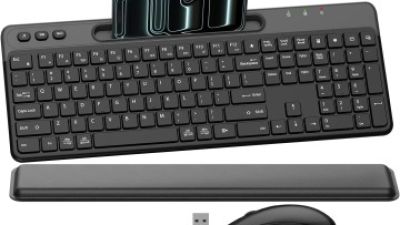
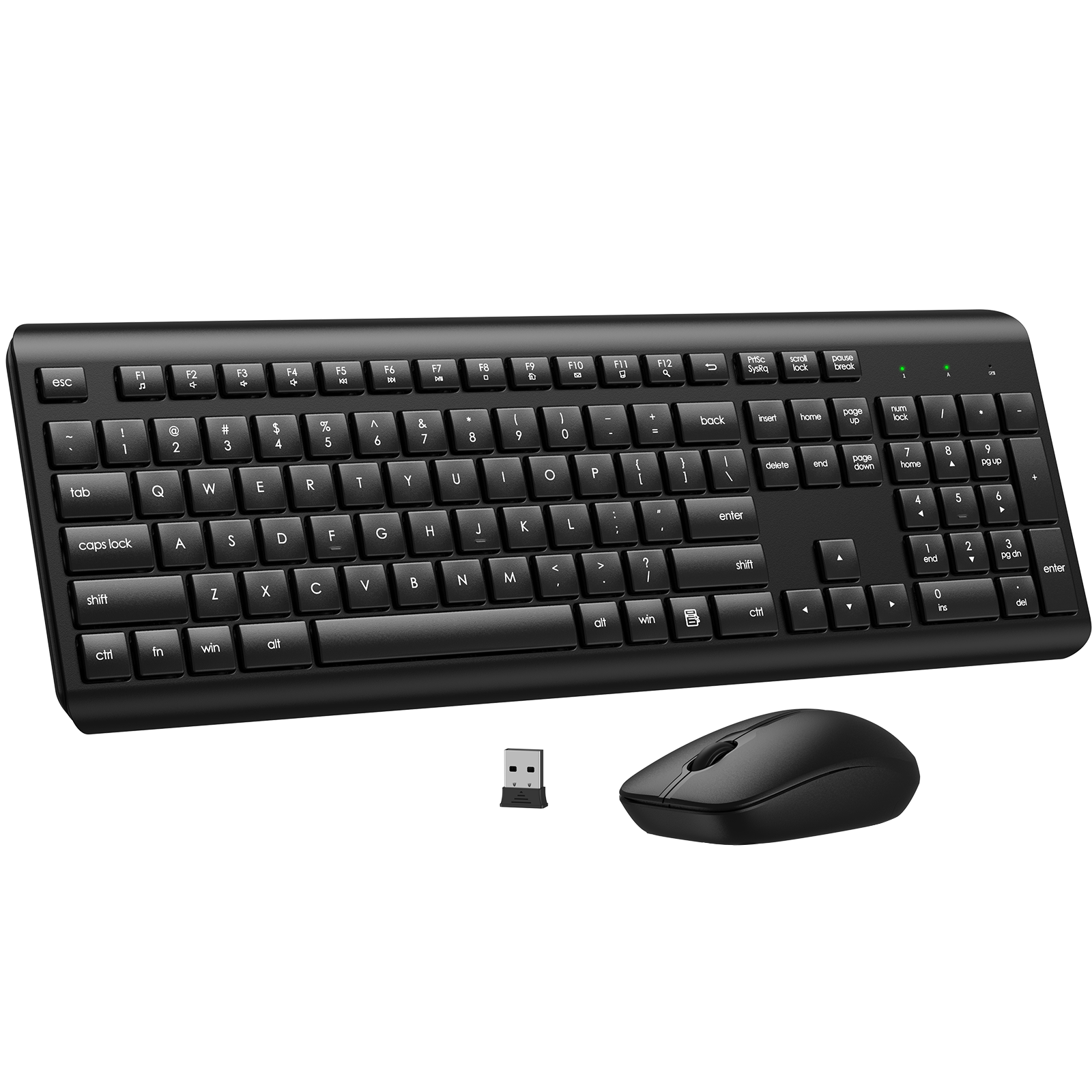
An ergonomic wireless keyboard and mouse combo is designed to make long work sessions more comfortable, quieter, and more efficient. The full-size 114-key keyboard features a Cloud Soft Palm Rest that supports the hands and wrists during extended typing. Scientifically considered silent keys help reduce keystroke noise, making the set suitable for home offices, shared workspaces, libraries, and other quiet environments. A built-in phone and tablet holder keeps mobile devices within view, allowing users to follow messages, calls, or media without constantly reaching for another stand.
The matching wireless mouse provides smooth, quiet control with three adjustable DPI levels—800, 1200, and 1600—for flexible cursor movement across different tasks. Its 2.4G wireless connection offers a stable range of up to 10 meters and supports plug-and-play use on Windows and Mac without drivers or Bluetooth pairing. A spill-resistant keyboard structure with bottom drainage adds practical protection against everyday coffee or water accidents, helping support dependable office use.
For distributors, retailers, and project-based buyers, factory-direct OEM/ODM service makes customization straightforward. Options include personalized logos, color schemes, packaging, and other product details to match specific market requirements. Sample requests and wholesale quotations are available for businesses seeking a comfortable, quiet, and adaptable wireless desktop solution.
FAQS
Consider weight, sensor accuracy, connection stability, shape, and battery life. A quiet wheel or firm side button can improve daily comfort. Small details matter.
A stable 2.4GHz connection usually provides very low latency. Bluetooth is useful for laptops, travel, and office work. Competitive players often prefer lighter designs under 60 grams.
Shape can matter more than a small latency advantage. Match the mouse to your hand size and grip style. A comfortable shell may reduce palm sweat during long sessions.
Treat battery claims as estimates, not guarantees. High polling rates, lighting, and frequent use can reduce runtime. An advertised 100-hour battery may deliver less in daily play. Check twice.
MMO players may benefit from several programmable side buttons. Profile software should save useful controls reliably. Extra buttons are helpful, but crowded layouts can cause accidental presses.
Not necessarily. A bundle may include a keyboard with weaker switches or limited software support. Compare each item separately before accepting the apparent discount.
Final prices can change because of taxes, import duties, currency rates, and distribution costs. A discount in one region may disappear at checkout. Check the complete payment total.
Confirm the receiver, warranty period, return policy, and local support options. Some listings omit the receiver or describe warranty coverage poorly. Marketplace information can be incomplete. I may be wrong about a listing without checking it directly.
Conclusion
The global Wireless Gaming Mouse market is expanding alongside a worldwide gaming community of more than 3.2 billion players. This guide evaluates leading options through practical criteria, including click and sensor latency, battery endurance, pricing, customer support, regional availability, and long-term reliability. It also explains the main wireless standards, comparing 2.4 GHz connections for competitive responsiveness with Bluetooth for convenience, while considering 1,000-Hz polling as a common performance benchmark.
The selection covers ten products across flagship, enthusiast, and value-oriented categories without relying on a single market segment. Key considerations include PixArt PAW3395 sensors, performance in the 26,000-DPI class, ergonomic design, connection stability, software quality, and real-world battery behavior. Premium choices generally emphasize advanced tuning and dependable support, while enthusiast models focus on shape, weight, and specialized performance. Affordable alternatives can still deliver strong responsiveness and practical features when regional pricing and availability are carefully considered.



 Gaming Keyboard
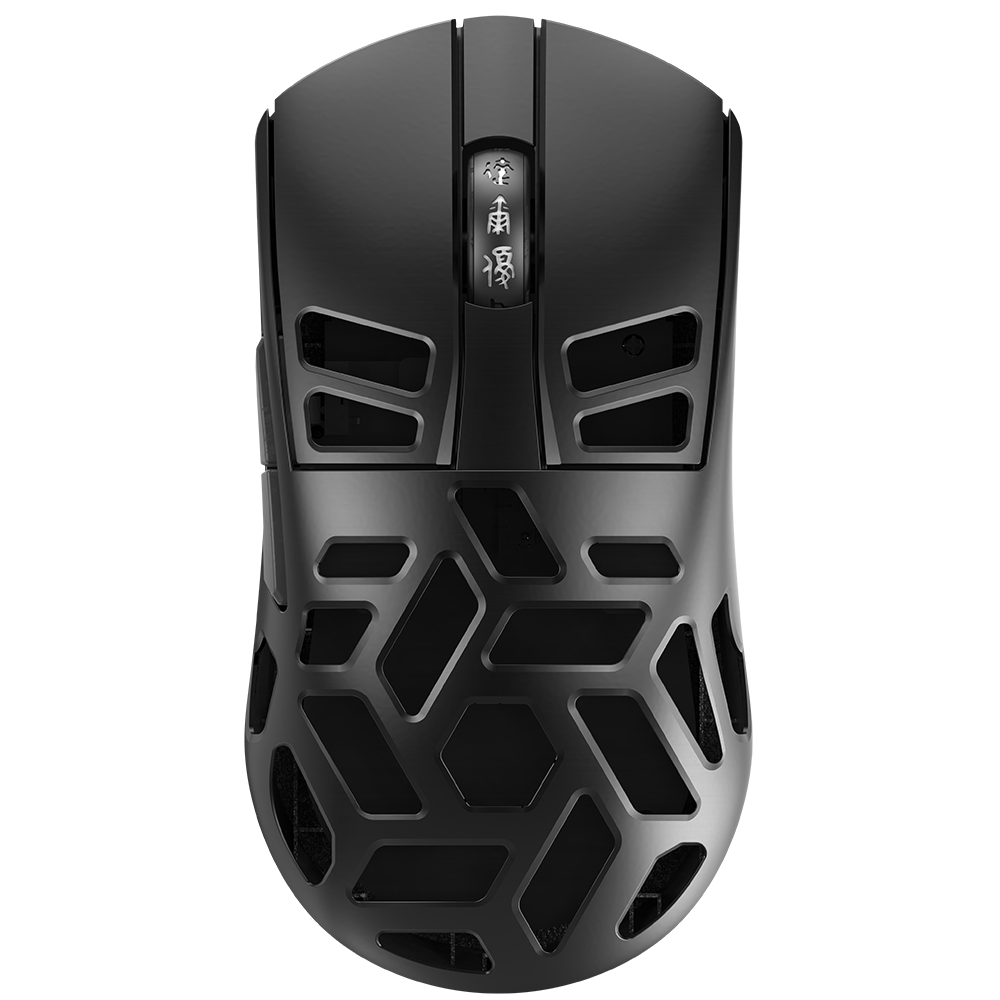 Gaming Mouse
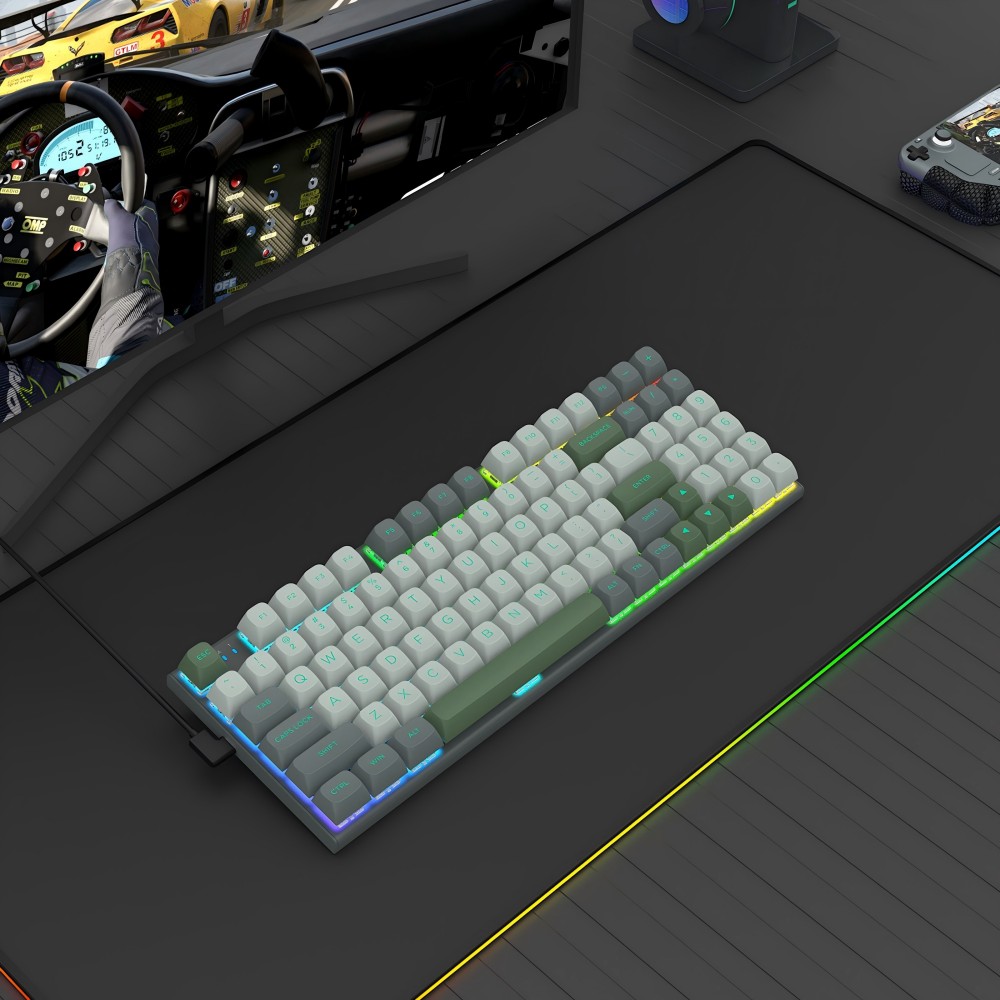 Gaming Keyboard And Mouse Combo
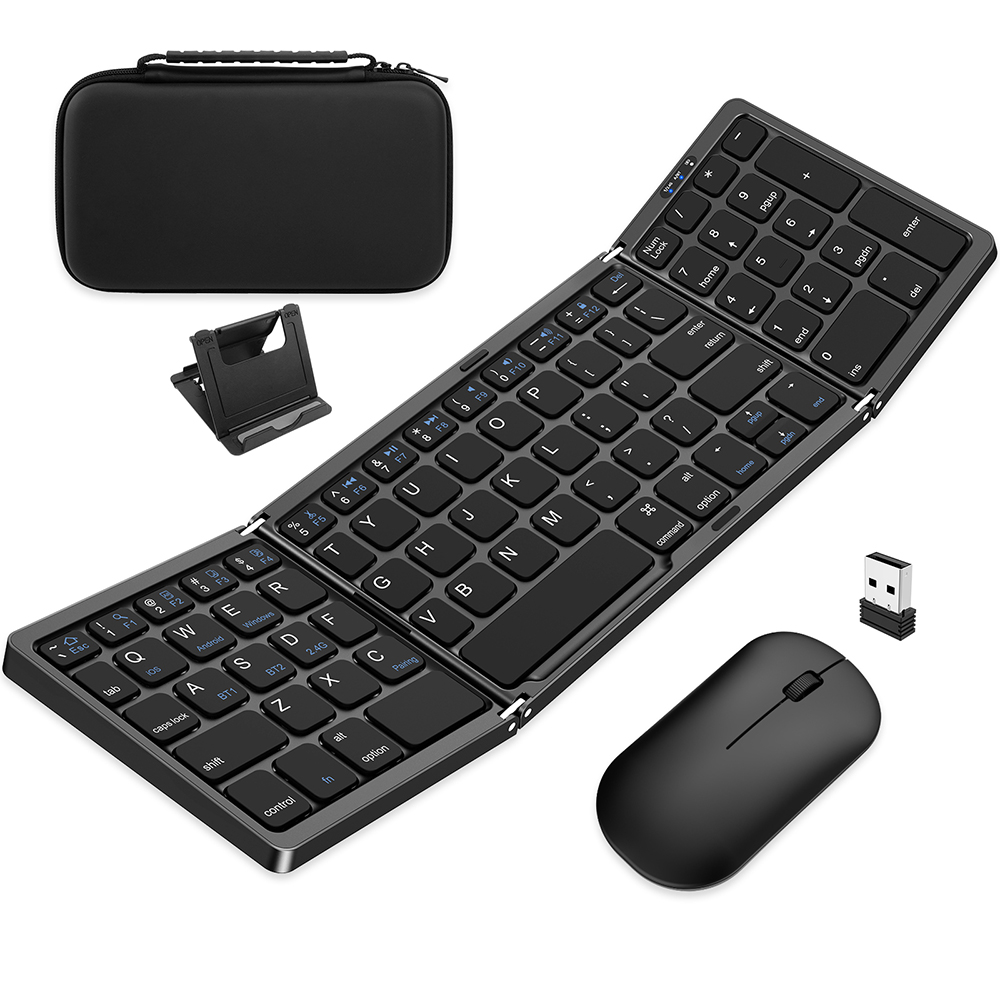 Office Keyboard
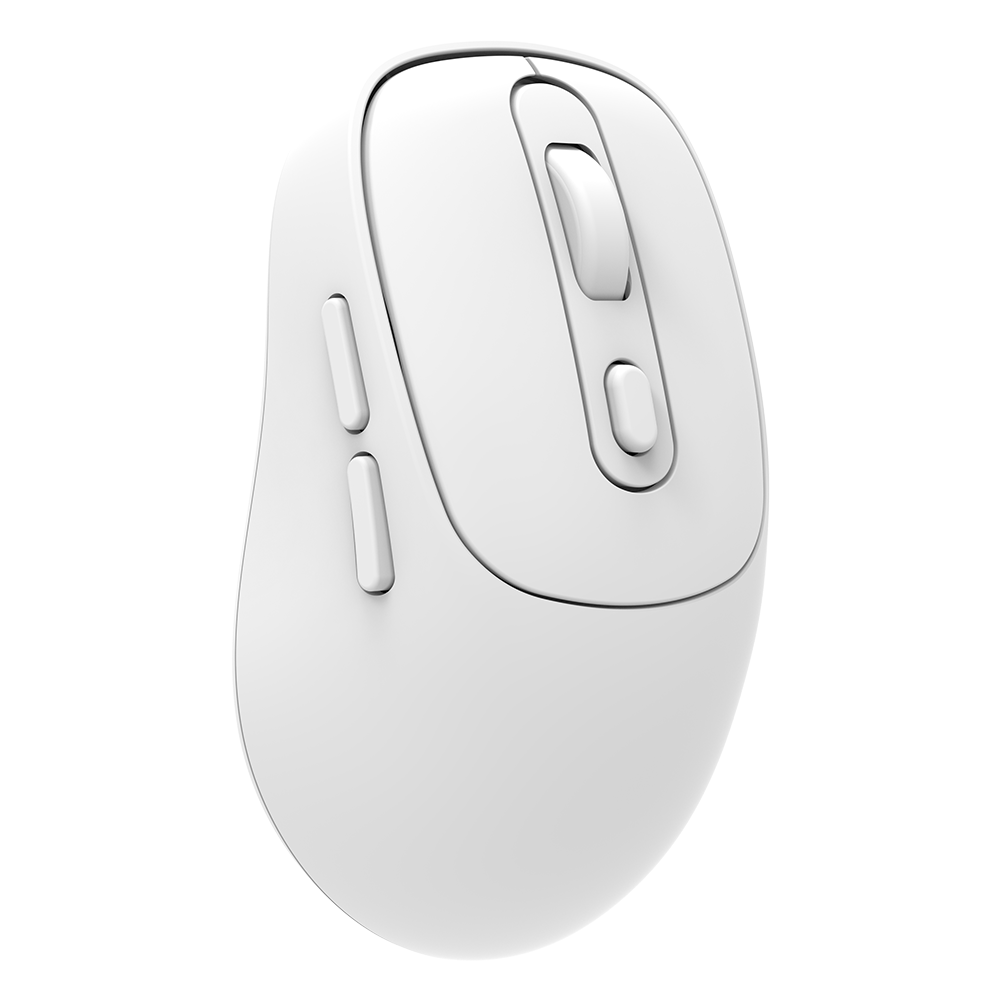 Office Mouse
 Office Keyboard And Mouse Combo