Upgrade Your Game, Slash Your Spend

Leave Your Message

0%

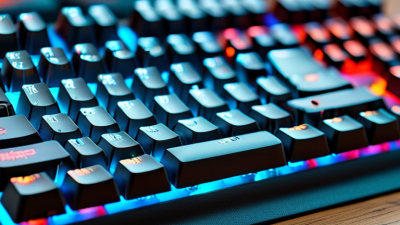
So, Gaming Keyboards are all about giving you that edge in fast-paced play. They usually pack responsive switches, anti-ghosting, and programmable keys – you know, so you can pull off those complex combos without missing a beat. Mechanical ones often rock Cherry switches, and brands like Logitech and Razer have tons of popular layouts to choose from. But here's the thing: just because it's pricey doesn't mean it's better. Sometimes a well-tested membrane keyboard is actually the smarter pick for casual gamers, honestly.

When you actually get your hands on them, you'll notice the switch feel within a few minutes. Linear switches are smooth as butter, while tactile ones give you a little bump when you press. Clicky switches are even more obvious, but honestly, they can be pretty loud and might bother people around you. Key rollover is another thing that matters, especially if you're doing fast movements in action or strategy games. And for daily comfort, a stable frame, textured keycaps, and adjustable backlighting go a long way. RGB lighting looks awesome, but it's not going to improve your reaction time or anything. Honestly, a lot of people go searching for a Rgb Gaming Keyboard And Rgb Gaming Mouse as a set, thinking the colors have to match perfectly. But you know what? Comfort and reliability matter way more than that. It's the small details that really make a difference.

Honestly, a gaming keyboard should feel like it was made for you, not for some flashy ad campaign. If you're into competitive gaming, you probably care a lot about low latency and keys that respond consistently every single time. But if you're mostly typing emails or writing reports, you might be way more into quiet keys and a comfy wrist rest. And yeah, wireless keyboards can be great—until you forget to charge them and suddenly you're scrambling for a cable mid-match. That's something people don't always think about. I've also learned the hard way that the software can make or break the whole experience. If the app is confusing or the profiles keep glitching, you'll waste more time fiddling with settings than actually getting stuff done. It's a real pain. So, this guide digs into all the nitty-gritty—features, switch types, layouts, durability, and what you're actually getting for your money. And we're not just taking everyone's word for it; we question the common claims, because honestly, every hand, desk, and game is different, so your priorities are going to be different too.
What Is a Gaming Keyboard?

Definition and Core Purpose of a Gaming Keyboard

What Is a Gaming Keyboard?

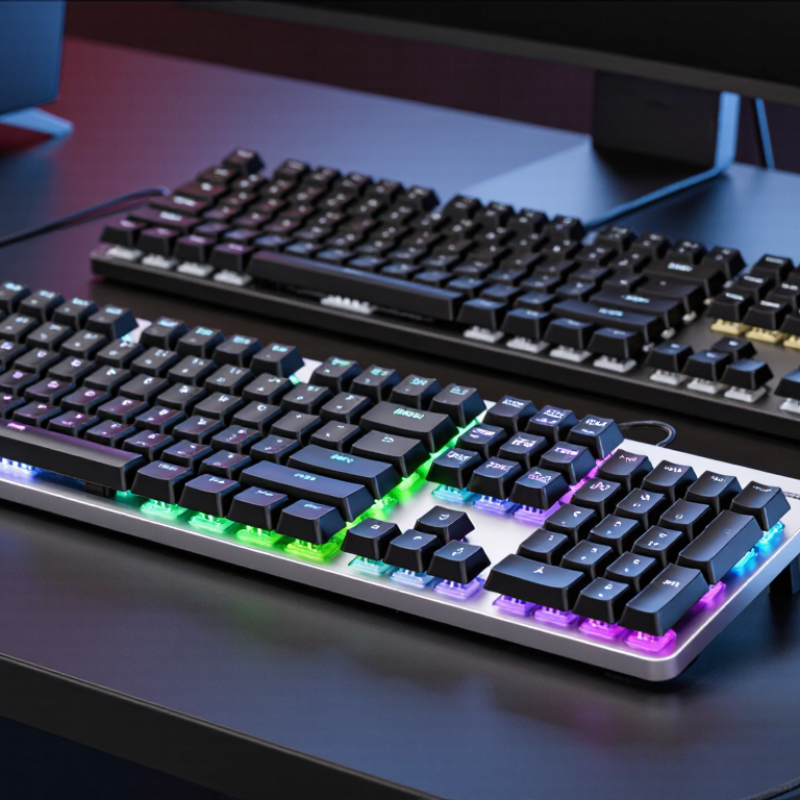
A gaming keyboard is a computer keyboard designed for fast, repeatable game control. Its core purpose is simple: translate each key press into an action with minimal delay and unwanted input. Compared with a standard keyboard, it may offer adjustable actuation, anti-ghosting, full-key rollover, programmable controls, and stronger key durability. These features support movement, ability selection, inventory access, and communication during demanding play.

The need is real, but not universal. Newzoo’s 2024 Global Games Market Report estimated 3.42 billion players worldwide and $187.7 billion in annual game revenue. The Entertainment Software Association’s 2024 Essential Facts report also found that 61% of Americans aged five or older play video games. Such figures show a large audience for specialized input devices. They do not prove that every player benefits from one.

In practical use, a gaming keyboard should keep movement keys consistent during long sessions. A missed input can interrupt a timed action. A deep, heavy key may feel tiring after several hours, while an overly sensitive key can trigger mistakes. I have found that layout and comfort often matter more than flashy lighting. That point is easy to overlook. Programmable keys can reduce repeated hand movement, yet they may also create clutter or dependency. Technical specifications describe capability, not personal suitability. Performance still depends on the game, the player’s habits, and careful setup.

Key Technologies Used in Gaming Keyboards

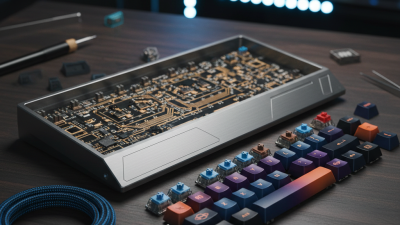
A gaming keyboard combines key switches, sensing circuits, and firmware to turn presses into computer input. Mechanical switches use moving contacts; optical models detect a light-path change, while Hall-effect designs sense a magnet’s movement. Each approach changes feel and signal detection, but none guarantees better play. Firmware also scans keys and filters contact bounce, a small delay that can vary by design. The feel is physical.

Connection speed is only one part of response time. The USB-IF USB 2.0 Specification sets full-speed frames at 1 millisecond and high-speed microframes at 125 microseconds. These are bus timing intervals, not a promise of end-to-end keyboard latency. Switch sensing, firmware, and the computer add their own steps. That distinction is easy to miss. USB-IF’s HID specification also defines how devices describe key inputs to a host; rollover depends on how a keyboard reports simultaneous presses. N-key rollover can register many held keys, while anti-ghosting typically protects selected combinations. When testing, press several keys together and check whether each appears correctly. Marketing figures alone tell only part of the story.

What Is a Gaming Keyboard? - Key Technologies Used in Gaming Keyboards

Technology or Feature How It Works Typical Technical Characteristics Gaming Benefit Potential Limitation
Mechanical Switches A physical switch registers a key press through moving mechanical components and metal contacts. Common actuation force is approximately 35–75 gf; rated service life often ranges from tens of millions of presses. Provides distinct tactile or audible feedback and consistent key activation. Can be louder, heavier, and more expensive than basic membrane designs.
Membrane Switches A rubber or silicone dome presses against conductive layers to complete an electrical circuit. Usually has a softer feel, lower manufacturing cost, and less pronounced tactile feedback. Offers quiet operation and a generally lower purchase price. May have less consistent feel and lower long-term durability than many mechanical designs.
Optical Switches A light beam is interrupted or detected when the key stem moves, allowing the controller to register the press. Uses light-based sensing with reduced dependence on metal contact surfaces. Can provide fast actuation and reduced contact wear. Switch feel, compatibility, and replacement options vary by design.
Hall-Effect Switches A magnet and Hall sensor measure changes in magnetic field as the key moves. The actuation point can often be configured through firmware across part of the key travel. Enables adjustable actuation and features such as analog-style input on compatible systems. Typically costs more and requires compatible electronics and software.
Anti-Ghosting The keyboard matrix and controller reduce unintended key signals when multiple keys are pressed together. Performance depends on the matrix design, diode use, controller, and firmware. Helps prevent false inputs during simultaneous movement, aiming, and action commands. The term does not always specify how many keys can be pressed simultaneously.
N-Key Rollover The controller identifies multiple simultaneous key presses independently rather than limiting input to a small group. “N” indicates that multiple keys can be registered, although actual limits may depend on the connection and operating system. Supports complex key combinations and rapid multi-key commands. May increase controller complexity and does not automatically reduce software or network latency.
Polling Rate The keyboard reports its input state to the computer at regular intervals. Common wired settings include 125 Hz, 500 Hz, 1,000 Hz, and higher rates on some models; 1,000 Hz means one report every 1 ms. A higher rate can reduce the maximum waiting time before an input report reaches the computer. The practical effect is usually small compared with switch response, software processing, display latency, and network delay.
Debounce Control Firmware filters extremely rapid repeated electrical signals that may occur when a switch contact settles. Lower settings may reduce filtering time, while higher settings can better suppress unintended repeated inputs. Helps prevent accidental double presses and can contribute to responsive input tuning. Aggressive reduction may increase the risk of unintended repeated key registration.
Adjustable Actuation Software changes the travel distance or sensor threshold required to register a key press. Available adjustment ranges depend on the switch technology and may cover only part of total key travel. Allows quick activation for some controls and deeper activation for keys where accidental presses are undesirable. Requires configuration software and may need careful tuning for consistent control.
Rapid Trigger A key can reset as soon as it moves upward past a configurable threshold instead of waiting for a fixed reset point. Usually relies on continuous position sensing, such as Hall-effect sensing. Can make repeated directional inputs feel faster in games that benefit from short reset movement. Highly sensitive settings may cause accidental repeats or unintended movement.
Macro Support A single key or key combination can trigger a predefined sequence of inputs or commands. Capabilities vary by firmware and software; some systems store profiles in onboard memory. Simplifies repetitive desktop tasks and complex, permitted in-game commands. Some games or competitions restrict macros, especially when they automate gameplay actions.
RGB or Backlighting LEDs illuminate the keycaps or keyboard surface, with firmware controlling color and effects. Lighting may be single-color or multi-color, with brightness and animation controls depending on the controller. Improves visibility in low-light environments and allows visual customization. Adds power consumption and does not directly improve input speed or accuracy.
Wired USB Connection The keyboard transfers power and input data through a physical USB cable. Provides continuous power and avoids battery charging requirements. Offers stable connectivity and predictable latency. The cable can restrict desk placement and may add clutter.
Wireless Connectivity The keyboard sends input through Bluetooth or a dedicated low-latency radio connection. Requires a battery; operating time depends on battery capacity, lighting, connection mode, and usage. Reduces cable clutter and allows flexible positioning. May require charging, pairing, or troubleshooting in environments with radio interference.
Onboard Memory The keyboard stores settings such as key assignments, lighting, and profiles in internal memory. Storage capacity varies and may support one or several profiles. Allows saved configurations to remain available across compatible computers. Not every software feature can be stored or used without a background application.
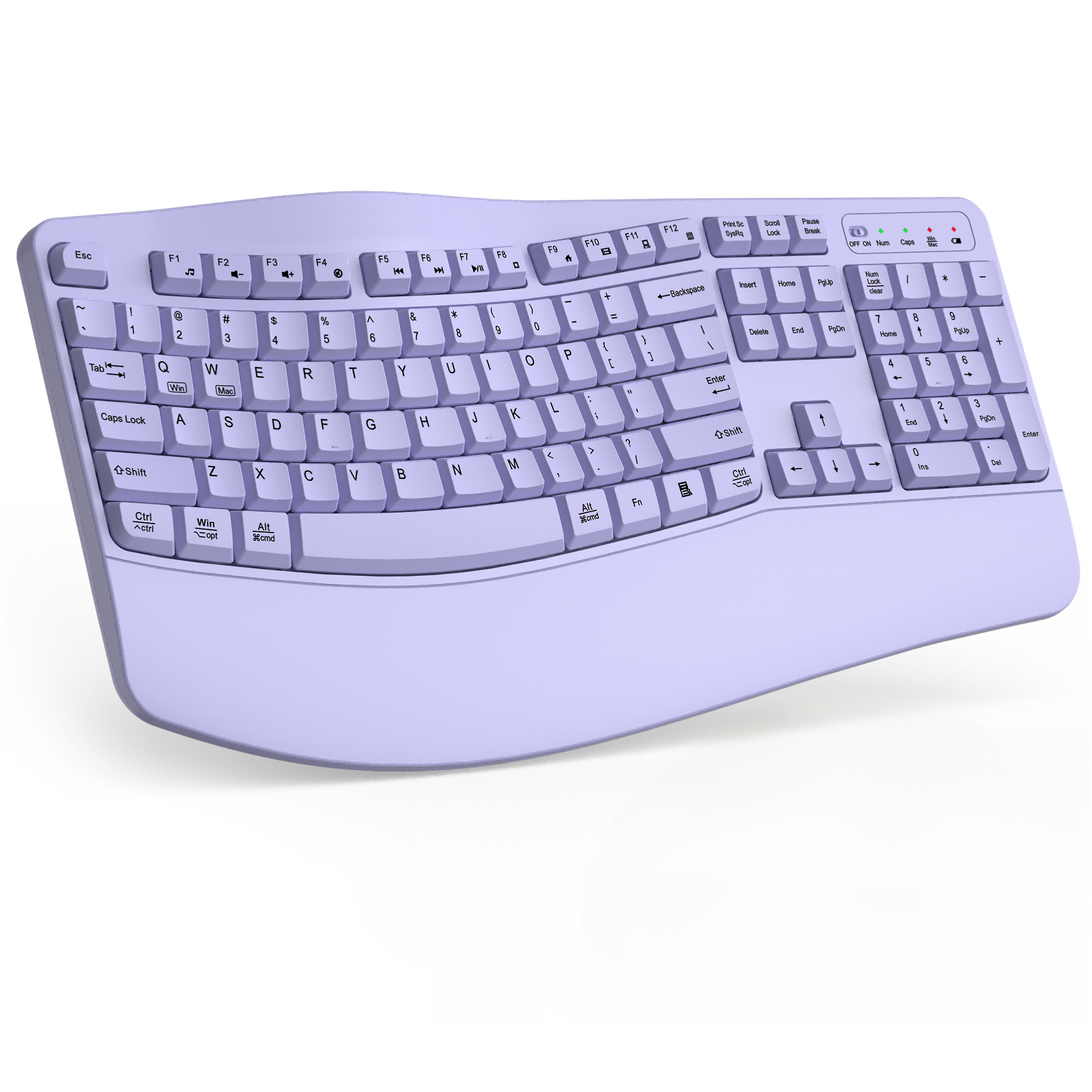
Ergonomic Design Features such as adjustable feet, wrist support, split layouts, and textured keycaps change hand position and comfort. Benefits depend on keyboard height, key spacing, layout, desk position, and individual hand size. Can reduce discomfort during long sessions and improve access to frequently used controls. A design that feels comfortable for one user may not suit another; wrist rests also require proper positioning.

Types of Gaming Keyboard Switches

What Is a Gaming Keyboard?

Types of Gaming Keyboard Switches

A gaming keyboard is built for fast input, repeated keystrokes, and long sessions. Its switches sit beneath each keycap and control movement, sound, and feedback. The 2024 Global Games Market Report estimated 3.42 billion players worldwide. That scale creates varied keyboard needs. A competitive player may value speed, while a writer may prefer softer feedback.

Membrane switches use a pressure-sensitive rubber layer. They are quiet, affordable, and often feel softer.

Mechanical switches use individual mechanisms beneath every key. Linear switches move smoothly without a bump. They suit rapid movement and repeated actions.

Tactile switches provide a small bump before activation. This feedback can reduce accidental presses. Clicky switches add a sharp sound. Some users enjoy it; others find it distracting.

Optical switches detect light interruption, while Hall-effect switches measure magnetic movement. These newer designs can support adjustable actuation.

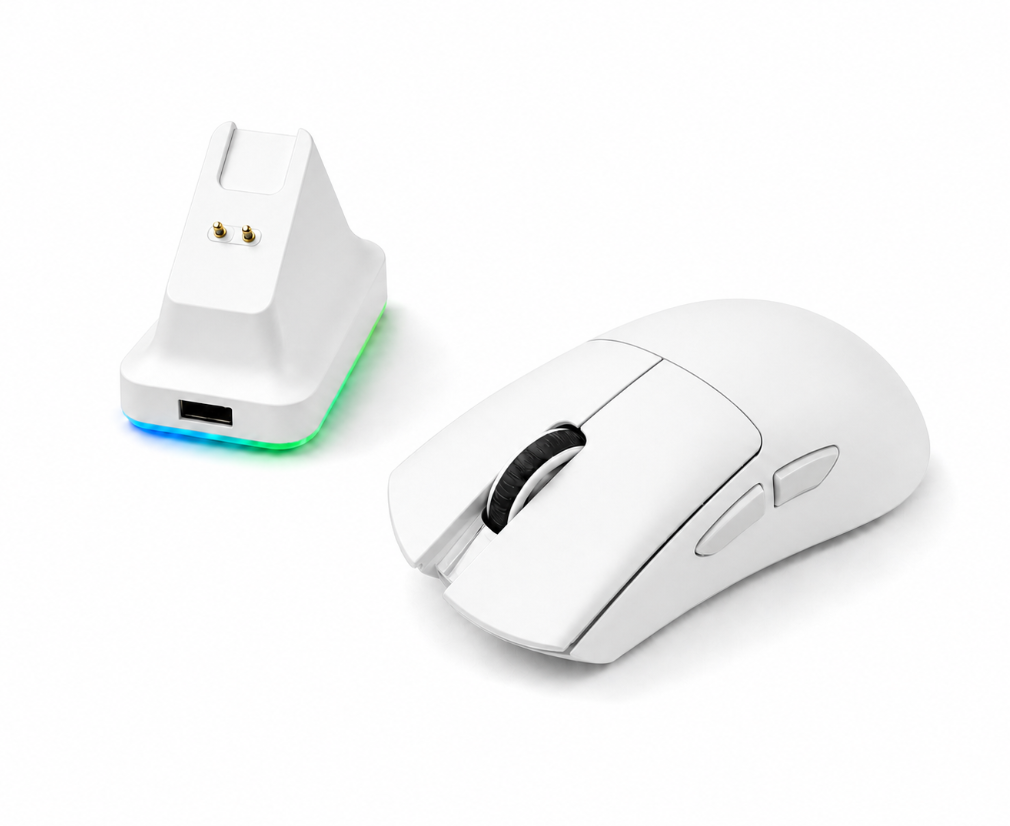
The global gaming peripherals market was valued above 6 billion dollars in a 2023 market analysis. Mechanical and optical designs continue gaining attention, partly because players want customization and durability. Still, specifications can mislead. I once preferred a fast linear switch, then noticed more typing errors at night. My hands needed clearer feedback. Test the Gaming Keyboard And Gaming Mouse together, not separately. Check key wobble, actuation force, noise, and wrist position. A low-latency switch helps, but technique matters more. Quiet rooms expose clicky switches quickly. Small details matter.

Gaming Features for Control and Customization

What Is a Gaming Keyboard? Gaming Features for Control and Customization

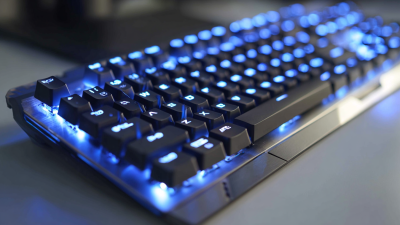
A gaming keyboard is built to make input feel more deliberate. Mechanical switches can provide distinct clicks or quieter, smoother keypresses. Adjustable actuation lets some keyboards register a press with less travel. That can help in fast games, though it may also cause accidental inputs. Per-key lighting is useful for spotting controls in a dim room, but it does not improve reaction time by itself. Newzoo’s 2024 Global Games Market Report estimated 3.42 billion people play games worldwide. That broad audience has different needs, so useful customization matters more than flashy extras.

Profiles can store key assignments, lighting, and macros for different games. A dedicated volume control is handy when a headset is on and menus are busy. Anti-ghosting helps the keyboard register multiple keys pressed together, such as movement and a jump command. Check the layout before buying: a compact board may free desk space, but removing the number pad can slow spreadsheet work. Pairing Gaming Mouse And Gaming Keyboard settings can also make sensitivity and shortcuts feel more consistent. Still, customization takes time, and complex profiles can be more confusing than helpful.

Tips: Test switch feel in person if possible. Set only the shortcuts you use often, then try them in a real match. If a key feels too sensitive, adjust it—or choose a simpler profile.

How Gaming Keyboards Improve Gameplay

What Is a Gaming Keyboard?

A gaming keyboard is built to make computer controls faster, clearer, and more consistent. Its main advantage is not colorful lighting. It is the way each key responds during play. Mechanical or optical switches can provide a defined actuation point, helping players repeat movements with less hesitation. Key rollover also matters. It allows several keys to register together when a player moves, crouches, and changes direction quickly.

Small details can improve gameplay. A stable frame prevents the keyboard from sliding during intense matches. Textured keycaps can help fingers find movement keys without looking down. Programmable keys may shorten repeated actions, but they require careful setup and fair use within game rules. I have found that lower input delay feels useful in fast games, yet comfort often matters more during long sessions. That is easy to overlook.

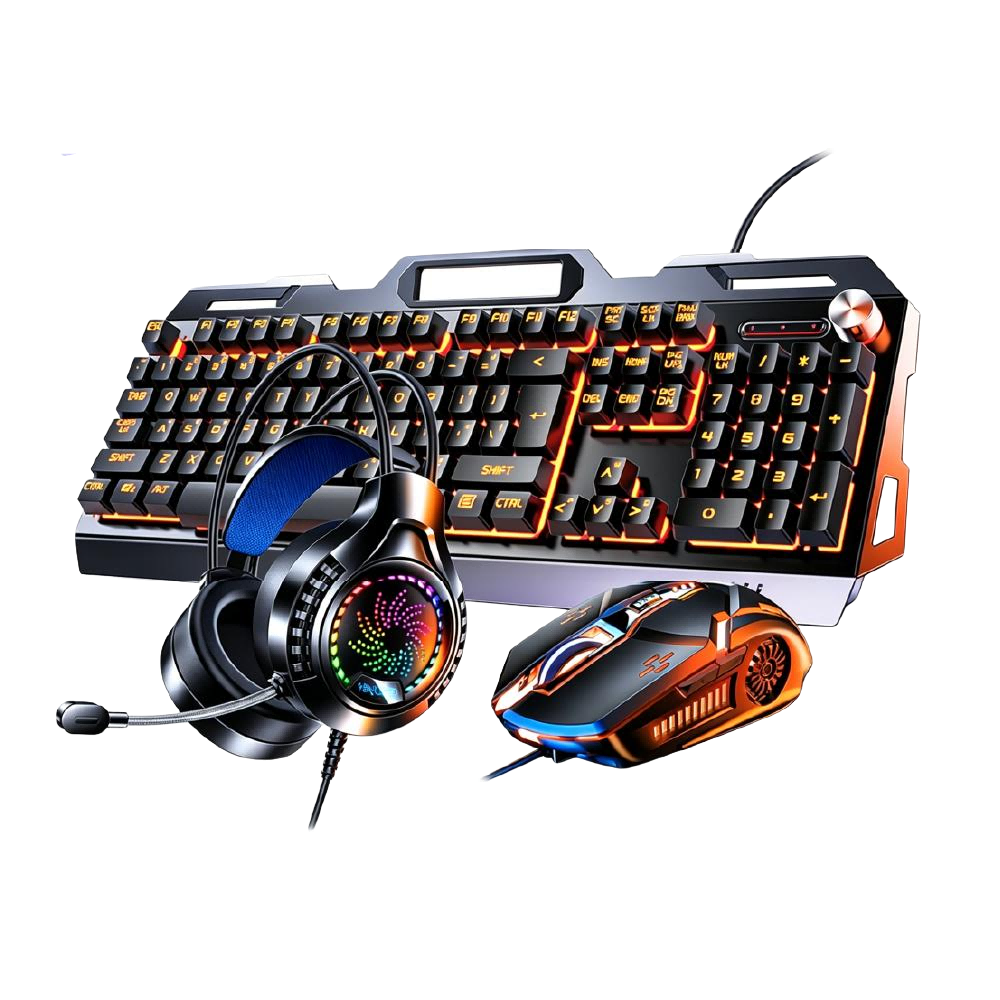
A practical setup may be described as Gaming Keyboard And Mouse And Mouse Pad And Gaming Headset, but every part should support control rather than decoration. A consistent key feel helps build muscle memory. Moderate backlighting can make symbols visible in a dim room without distracting the eyes. Noise is another real concern. Loud switches may feel satisfying, but they can disturb nearby people or reduce focus. No keyboard improves poor habits by itself. Players still need measured sensitivity, relaxed hands, and regular breaks. Some advertised features sound impressive, yet testing them in actual play is the more reliable approach.

Choosing a Gaming Keyboard for Different Needs

A gaming keyboard is a keyboard designed for responsive play, with features such as mechanical switches, anti-ghosting, and programmable keys. Choosing one depends less on flashy lighting and more on your games, desk space, and typing habits. Newzoo’s 2024 Global Games Market Report estimates about 3.4 billion people play games worldwide. That broad audience has varied needs; one layout will not suit everyone. Fast-paced games may benefit from consistent key response, while strategy games can make extra macro keys useful.

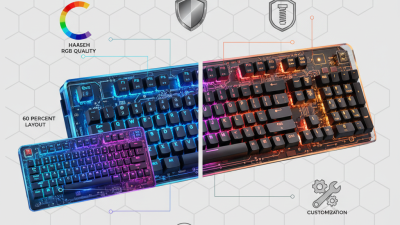
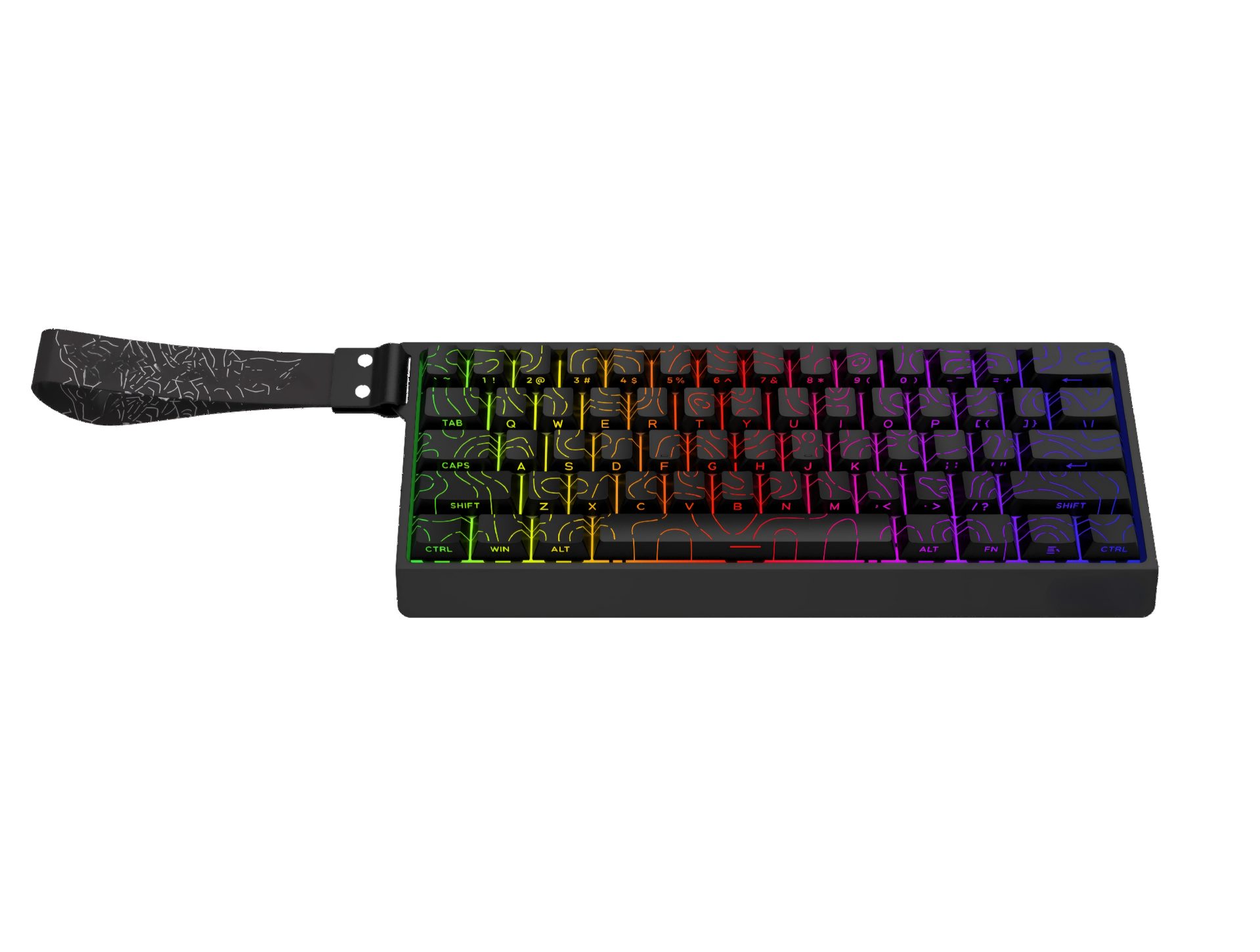
A full-size board includes a number pad, helpful for data entry but wider on a crowded desk. Tenkeyless models remove that pad, leaving more room for Mouse movement. A 60-percent layout saves still more space, though it omits dedicated arrow and function keys. The phraseGaming Keyboard 60 Percent Mechanical Keyboard often signals this compact mechanical style. Check how secondary keys work before buying; relying on key combinations can feel awkward at first. Switch feel matters, too. A light press may suit rapid inputs, while a heavier one can reduce accidental presses. Neither is universally better.

Tips: Measure your desk, then leave room for your mouse hand. If possible, test the switches in person. Look for clear specifications on key rollover, layout, and connection type. Small detail, big difference. Also consider noise: a satisfying click may distract others nearby. The best choice is practical, not perfect.

What Is a Gaming Keyboard? Choosing a Layout for Different Needs

Keyboard layouts differ mainly in size and key count. A full-size keyboard is suitable for users who need a dedicated number pad, while a tenkeyless layout saves desk space without removing the arrow keys or function row. Compact 75%, 65%, and 60% layouts are useful for minimalist setups, portability, and extra mouse movement space. Key counts are approximate because regional layouts and navigation-key arrangements can vary.

FAQS

What is a gaming keyboard designed to do?

It registers repeated key presses with minimal delay and unwanted input. It can support movement, abilities, inventory controls, and communication.

Do all players need a gaming keyboard?

No. Features like adjustable actuation may help some players, but comfort and layout matter more for others. Specifications alone cannot predict a good fit.

How do mechanical and membrane switches differ?

Membrane switches use a rubber layer and are often quiet and soft. Mechanical switches use individual mechanisms, with different levels of sound and feedback.

Which switch type is best for fast games?

Linear switches move smoothly and may suit repeated movement keys. Tactile switches offer a small bump that can help prevent accidental presses. It depends.

What does adjustable actuation do?

It lets some keyboards register a press after less key travel. This may help with fast inputs, but sensitive settings can cause mistakes.

Why are anti-ghosting and key rollover useful?

They help a keyboard register several keys pressed together, such as movement keys and a jump command. Test the combination you use most.

Is per-key lighting useful during play?

It can make controls easier to spot in a dim room. It does not improve reaction time by itself. Small details matter.

What should I consider when choosing a layout and custom profiles?

A compact layout can free desk space, but missing keys may slow spreadsheet work. Profiles can store shortcuts and lighting settings, though complex setups can become confusing. I may still overvalue customization.

Conclusion

A Gaming Keyboard is designed to make computer play more responsive, comfortable, and customizable than typing on a standard keyboard. Its core purpose is to register key presses reliably and support quick, accurate input. Different technologies contribute to this experience, including mechanical or membrane designs, varied key response, and features that help reduce delays or register multiple presses at once.

Switches can feel light or firm, quiet or tactile, allowing players to choose a typing experience that suits their preferences. Many gaming keyboards also offer programmable keys, adjustable lighting, stored profiles, and controls for changing settings. These options can make common actions easier to access and help create a setup that feels personal. By supporting precise inputs and comfortable use, a gaming keyboard may help players stay consistent during play, though it cannot replace practice. The right choice depends on a person’s games, preferred switch feel, desk space, budget, and interest in customization.
Elena

Elena

Elena is a dedicated professional at Shenzhen DeWin E-Commerce Co., Ltd., where she excels as a marketing specialist. With a profound expertise in the company's products, she plays a pivotal role in communicating their benefits to a broader audience. Elena is passionate about sharing her knowledge......
Previous How to Choose the Best Wired Mouse for Business?