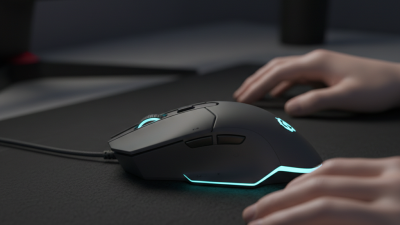
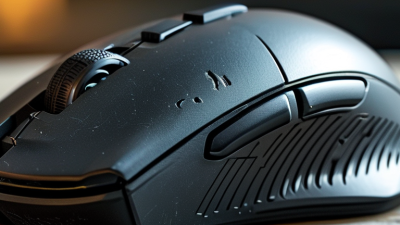
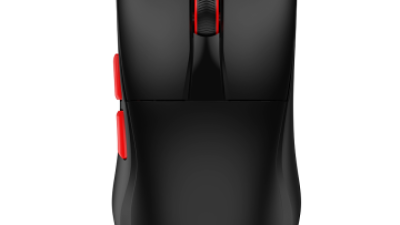
So, why pick a Gaming Mouse if you’re buying from anywhere in the world? It really comes down to control, comfort, and performance you can actually feel. Newzoo’s Global Games Market Report 2024 put the worldwide player count at around 3.42 billion, with roughly $187.7 billion in annual game revenue. That crowd isn’t just esports pros, either. It includes streamers, people who game at work, and casual players who hop on now and then. Their hands, budgets, and habits? Very different.
Grand View Research says the global gaming mouse market keeps growing, helped along by esports, PC gaming, and people upgrading their peripherals. Still, market estimates can vary from one research firm to the next. And that’s worth keeping in mind. Buyers should compare things like sensor accuracy, click durability, shape, weight, software support, and warranty terms. A mouse that feels precise during a two-hour match might start to feel uncomfortable after six. Small stuff matters—rubber grips, quiet switches, a scroll wheel that doesn’t wobble. Those little details can change how a mouse feels every day.
Jonathan “Fatal1ty” Wendel, one of the original pro gaming pioneers, summed it up well: “Your equipment should never be the reason you lose.” That’s a pretty practical way to look at it. It supports choosing a Mouse Gaming product carefully—not just grabbing an expensive one because it looks cool. DPI numbers can sound impressive, but hand fit is still personal. Wireless performance has gotten a lot better too, though battery life and charging habits still deserve some thought.
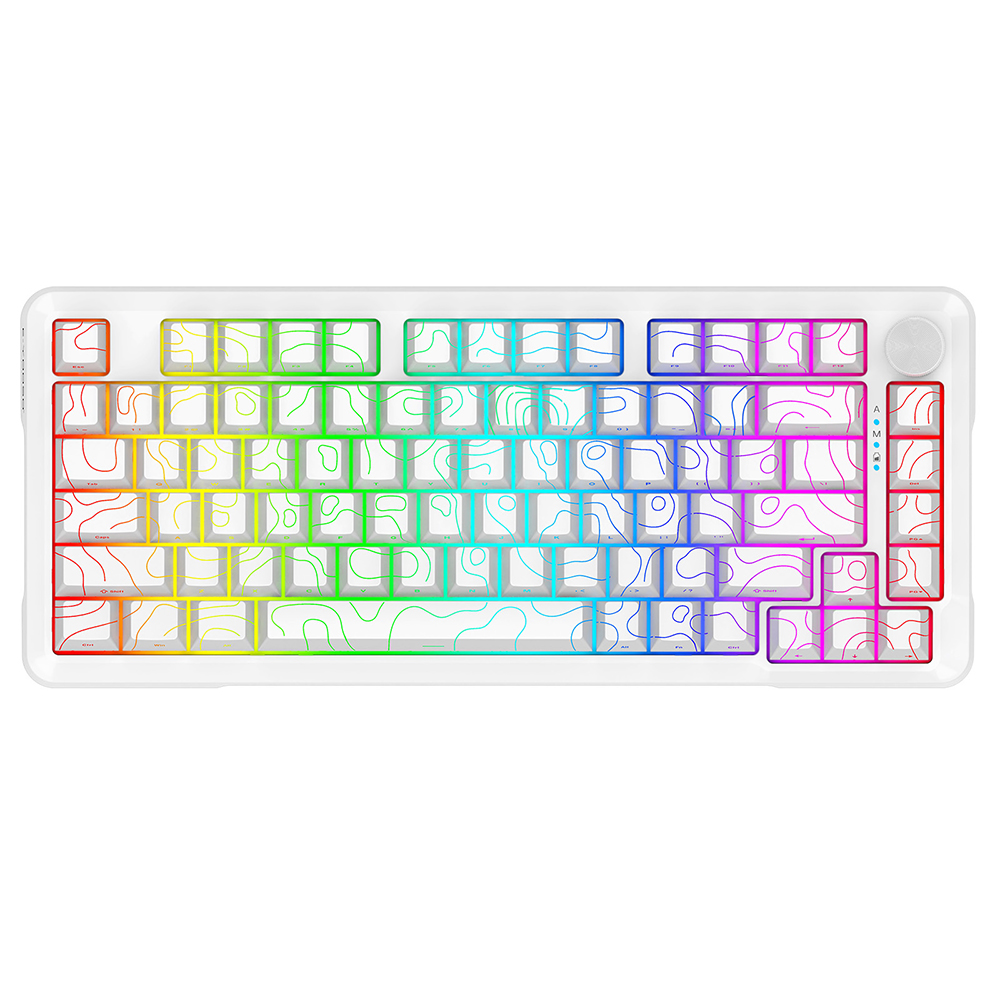
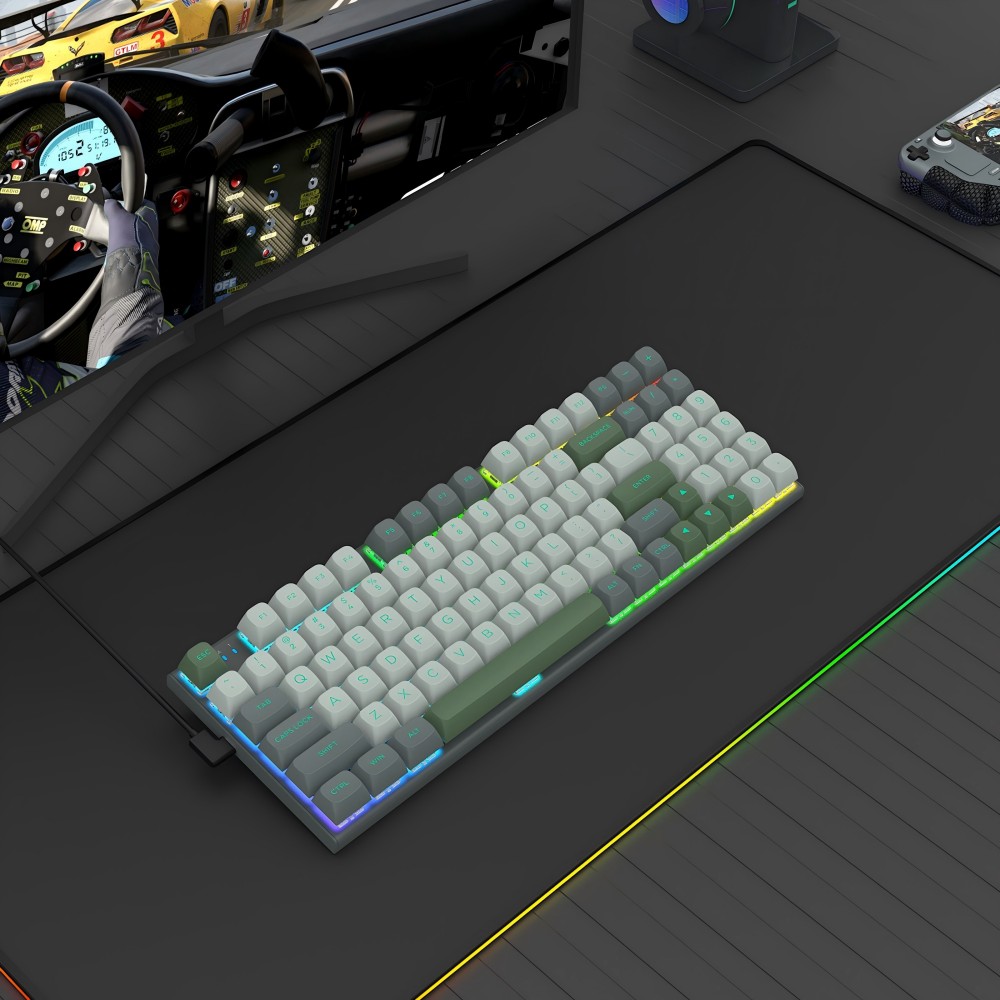
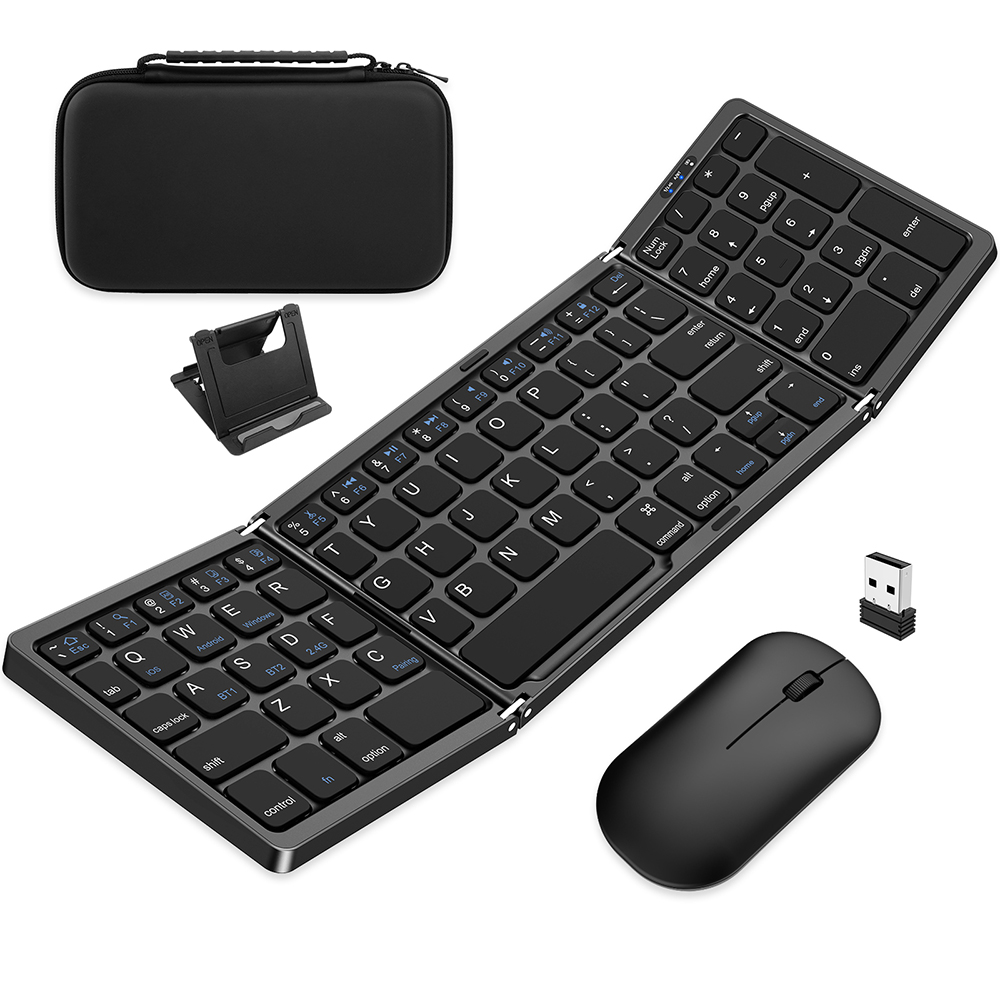
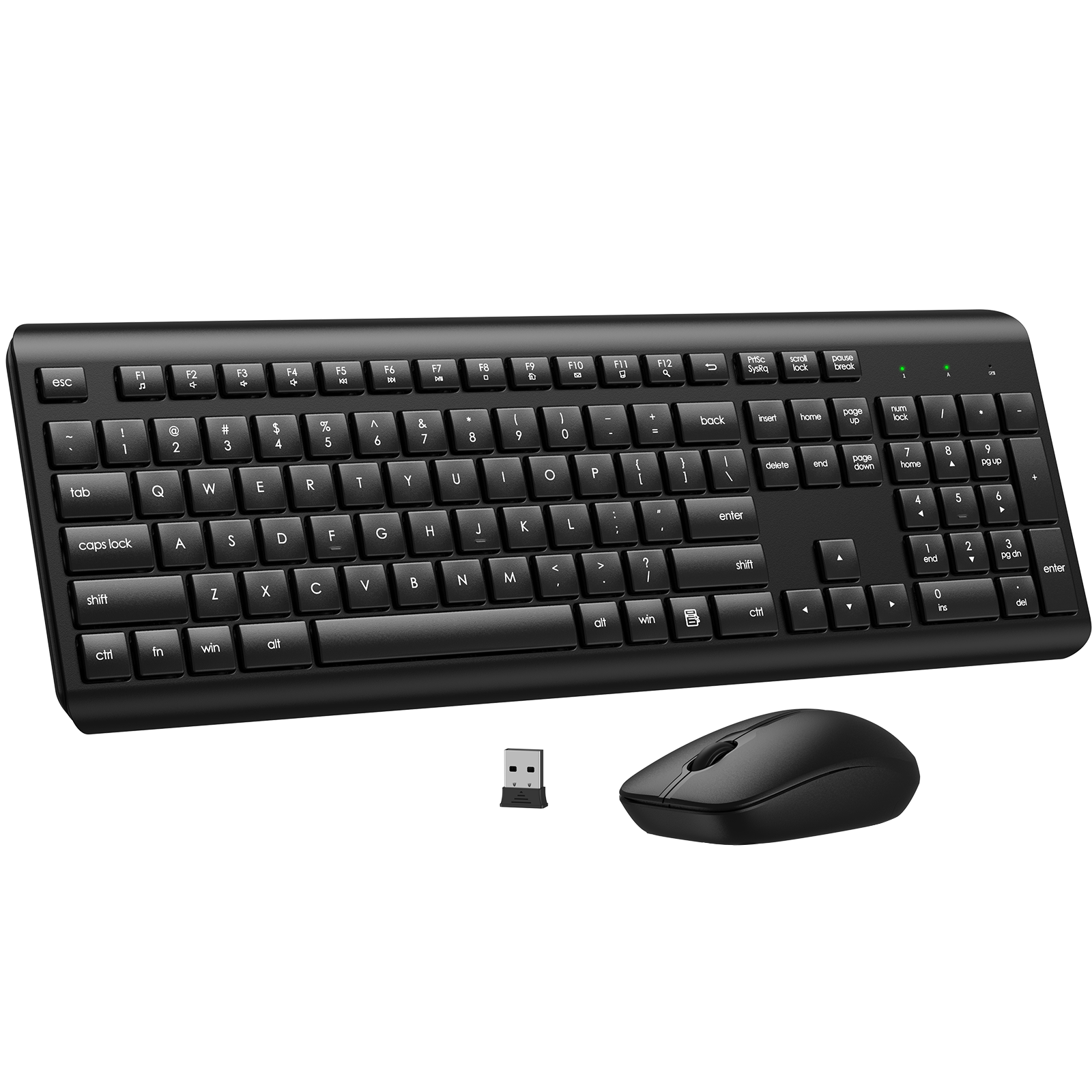
If you’re a global buyer, you might build a full setup with Gaming Keyboard And Mouse And Mouse Pad And Gaming Headset. Compatibility matters, especially if you switch between Windows, macOS, and consoles. Regional pricing and warranty coverage can also affect the real value. The best choice isn’t always the fastest mouse. It’s the one that stays reliable, comfortable, and predictable when the screen gets intense. Even experts can overlook comfort. That’s probably worth another look.
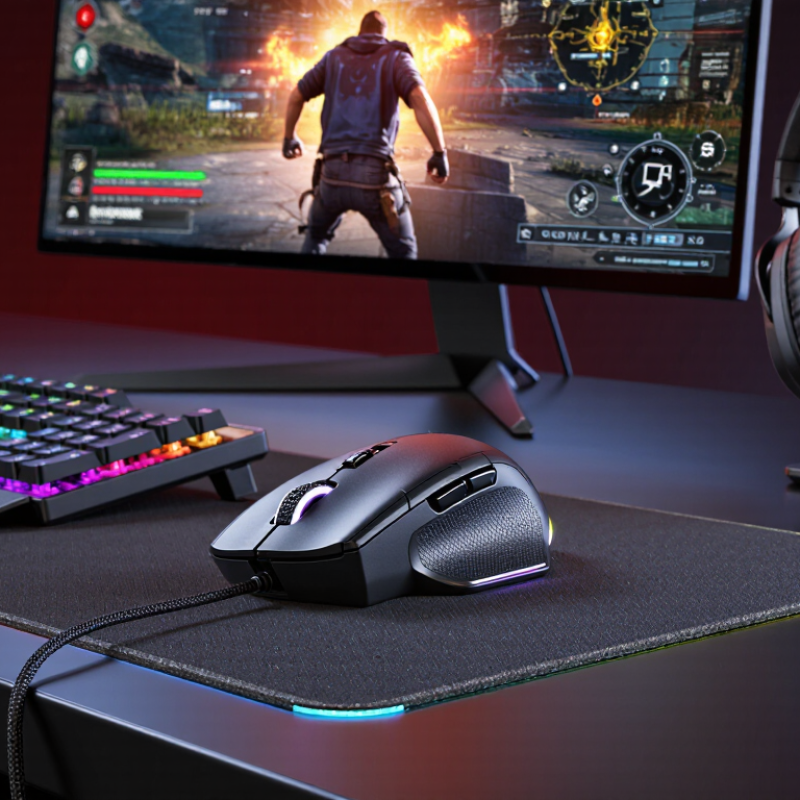
A gaming mouse is built for controlled, repeated movement rather than casual clicking. Its core feature is the optical sensor, which converts hand motion into cursor movement. Adjustable sensitivity, measured in DPI, helps users shift between precise aiming and rapid screen travel. Higher DPI is not automatically better. Consistency matters more.
Polling rate describes how often the mouse reports its position. A 1,000 Hz rate can reduce input delay, but the improvement depends on the computer and display. Shape also matters. A balanced shell should support the palm without forcing the wrist upward. Lightweight bodies can feel faster, although very low weight may reduce stability. Programmable buttons, durable switches, and a flexible cable add practical value. Wireless models need dependable connectivity and battery performance. Small details become obvious after several hours.
Grand View Research reported that the global gaming peripherals market was valued at about USD 4.26 billion in 2023, with strong projected growth through 2030. Newzoo’s 2024 Global Games Market Report estimated approximately 3.42 billion players worldwide, showing why adaptable input equipment attracts international buyers. However, market growth does not prove every feature improves performance. I still question exaggerated DPI claims. Real testing should include tracking, comfort, click consistency, and software stability. A Gaming Keyboard And Mouse With Mouse Pad may create a practical setup, but the mouse must fit the user’s hand first. No specification is perfect.
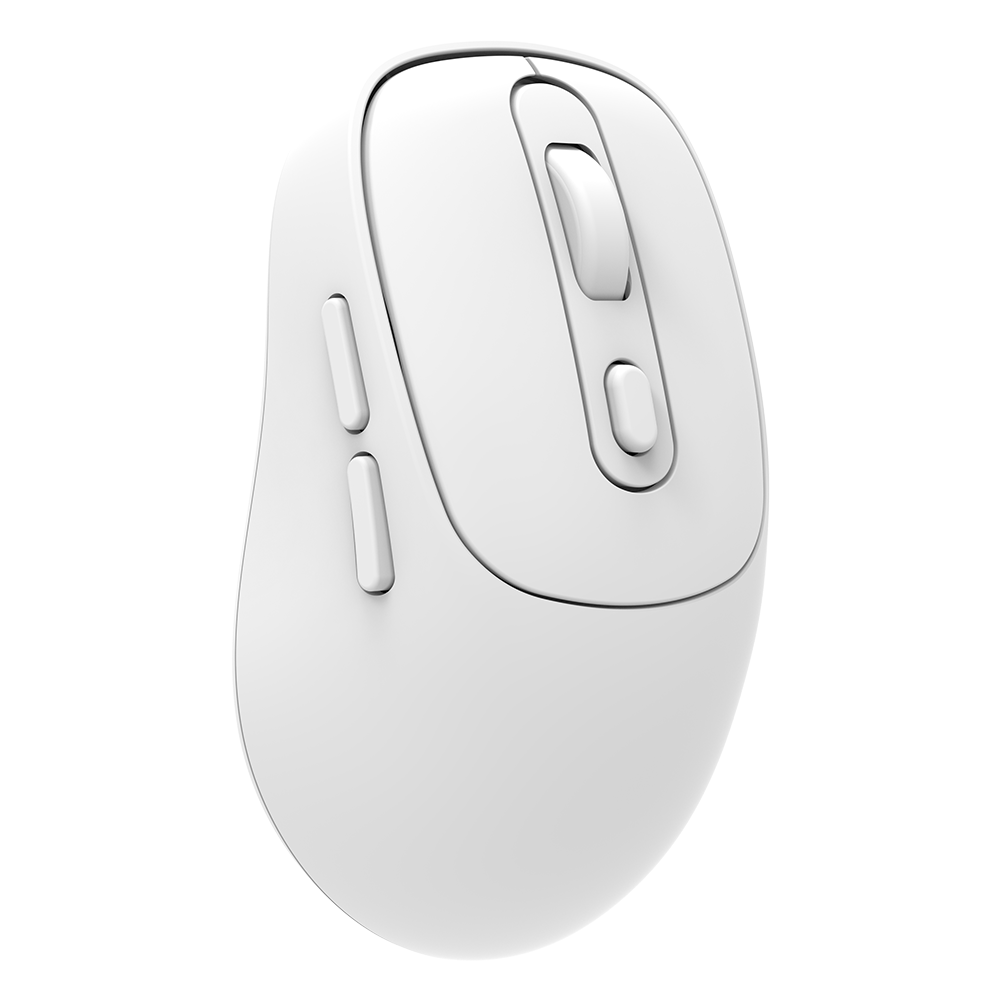
A gaming mouse is more than a colorful computer accessory. Compared with a standard mouse, it usually offers a faster sensor, adjustable sensitivity, and quicker button response. During long gaming sessions, these features can improve control in fast movements. I have noticed the difference most when tracking small targets or turning quickly on screen. A standard mouse often feels simpler and quieter. That can be better for office work, though.
Gaming mice also provide extra programmable buttons, textured grips, and stronger switches. These details matter when a user plays for several hours. However, higher sensitivity is not automatically better. Some users may lose precision when the cursor moves too quickly. Weight is another practical difference. A heavier model may feel stable, while a lighter one can reduce hand fatigue. My own preference has changed over time. Comfort matters more than specifications alone.
Tips: Check hand size, grip style, and desk space before buying. Test the mouse with your usual display resolution if possible. Buyers should confirm operating-system support, connection type, warranty terms, and return policies in their region. A wired model avoids battery charging but adds cable movement. Wireless models offer a cleaner desk, yet battery checks become part of ownership. When building a setup, compare Gaming Keyboard Mouse And Mouse Pad as a complete workspace. Do not ignore surface friction. A cheap pad can make an accurate sensor feel inconsistent.
| Comparison Dimension | Gaming Mouse | Standard Computer Mouse | Practical Benefit |
|---|---|---|---|
| Primary purpose | Designed for fast, repeated cursor movements, gaming controls, and precise tracking. | Designed mainly for web browsing, office software, documents, and general computer navigation. | Better alignment with performance-focused use cases. |
| Sensor tracking | Usually uses an optical sensor with adjustable sensitivity and consistent tracking across a broad range of speeds. | Often uses a basic optical sensor calibrated for common desktop surfaces and moderate movement speeds. | More control for precise aiming and rapid movement. |
| Sensitivity adjustment | Commonly offers adjustable sensitivity, often from around 400 DPI to more than 20,000 DPI, depending on the model. | Usually provides a fixed or narrower sensitivity range suitable for everyday tasks. | Allows users to match cursor speed to game type, screen size, and personal preference. |
| Polling rate | Common settings include 500 Hz or 1,000 Hz, with some newer models supporting higher rates. | Commonly operates at lower or fixed polling rates, often sufficient for office applications. | Can reduce the interval between mouse updates during fast actions, subject to system support. |
| Buttons | Typically includes 5–12 programmable buttons, although layouts vary by genre and design. | Most commonly includes two main buttons, a scroll wheel, and sometimes one or two additional buttons. | Enables shortcuts, macros, and in-game commands without reaching for the keyboard. |
| Weight design | Often ranges from approximately 50 g to 120 g, with lightweight and adjustable-weight designs available. | Frequently falls within a moderate weight range optimized for general comfort rather than rapid directional changes. | Lets users select a balance between speed, stability, and fatigue management. |
| Shape and grip support | Usually offers shapes tailored to palm, claw, or fingertip grips, with textured sides on many designs. | Generally uses a simple ambidextrous or ergonomic shape for broad everyday compatibility. | Improves control and comfort during extended sessions when the shape fits the user. |
| Switch durability | Often rated for tens of millions of clicks, though durability depends on switch construction and usage conditions. | Typically designed for regular office use and may have a lower published click rating or no published rating. | Supports frequent clicking during long gaming or productivity sessions. |
| Connection options | Available with wired USB, 2.4 GHz wireless, Bluetooth, or combinations of these connections. | Commonly available as wired USB or basic wireless models using a USB receiver or Bluetooth. | Provides more flexibility for desktops, laptops, travel, and multi-device setups. |
| Software customization | Often supports button remapping, sensitivity profiles, lighting control, and onboard memory. | Usually offers limited customization, with basic operating-system settings for buttons and pointer speed. | Makes it easier to create separate profiles for different games or workflows. |
| Cable and movement | Wired models may use flexible cables, while wireless models remove cable drag and require battery charging. | Wired models are often sufficient for desk work; wireless models prioritize convenience and portability. | Reduces movement restrictions for low-sensitivity play and large mouse movements. |
| Power considerations | Wireless models require charging or battery replacement; higher polling rates and lighting can increase power use. | Basic wireless models often use fewer performance features and may prioritize longer battery life. | Helps global buyers choose between maximum performance and maintenance convenience. |
| Best fit for global buyers | Suitable for competitive gaming, content creation, demanding productivity, and users who value adjustable performance. | Suitable for office work, browsing, education, travel, and buyers seeking a simple, low-cost pointing device. | The right choice depends on required precision, customization, portability, and budget. |
| Note: Specifications are representative ranges and common design characteristics, not universal requirements. Actual performance varies by model, operating system, surface, connection mode, firmware, and user settings. | |||
For international buyers, a gaming mouse must perform beyond a polished product page. In hands-on testing, cursor control matters most during fast turns and small aiming adjustments. A reliable sensor should track smoothly across different speeds. Adjustable sensitivity helps users match office work, strategy games, and competitive play.
Polling rate can reduce input delay, but higher numbers do not fix poor software or unstable connections. Wired models usually offer predictable performance. Wireless models need dependable battery life, strong reception, and a practical charging method. Check the connector carefully. Some computers still use older ports, while others require an adapter. Weight also deserves attention. A very light mouse may feel quick, but some users lose control during long sessions.
Shape is personal. A narrow body may suit fingertip control, while a wider shell can support the palm. In my experience, comfort becomes more important after two hours. I once focused too heavily on sensor specifications and ignored wrist pressure. That was a poor judgment. Buyers should review dimensions, grip style, cable flexibility, and replacement-part availability. A complete Gaming Keyboard Mouse Mouse Pad setup should also fit the user’s desk space, not only look coordinated.
For global purchases, confirm operating-system compatibility, return terms, warranty coverage, and delivery conditions. Regional support can vary. Product measurements should use clear units, and manuals should be available in understandable language. User reviews from different countries can reveal humidity concerns, customs delays, or inconsistent packaging. Those details are easy to overlook. They should not be.
Key performance factors international buyers can compare: polling rate and report interval
A higher polling rate sends cursor updates more frequently. The corresponding report interval is calculated as 1,000 ÷ polling rate, so a 1,000 Hz mouse reports every 1 millisecond. These measurable specifications help buyers compare responsiveness across markets without relying on brand names.
A gaming mouse earns its place through fit, control, and reliable movement.
Shape should come before appearance. Measure your hand from wrist to fingertip, then compare it with the mouse length and height. A palm grip needs fuller support, while claw and fingertip grips usually favor shorter, lighter bodies. Your wrist should stay relaxed during long sessions. Small discomfort becomes obvious after two hours.
Sensor quality matters, but maximum sensitivity is rarely necessary. A dependable optical sensor should track smoothly across ordinary desk movements. Test it with slow lines and quick turns. Watch for skipping, unwanted acceleration, or sudden cursor jumps. Higher sensitivity does not automatically mean better aim. I once chose a mouse with impressive specifications, but its narrow shell caused hand fatigue. That choice was wrong.
Connection type affects consistency and convenience. Wired models avoid battery management and usually offer stable response with minimal setup. Wireless models can feel equally responsive when their receiver is positioned close to the mouse. Bluetooth saves a port, but interference and power limits may affect demanding play. Check polling performance, charging behavior, and cable flexibility before buying. A complete setup, such as Gaming Keyboard And Mouse And Mouse Pad, should feel coordinated rather than crowded. Reviews help, but personal testing remains more trustworthy. Comfort is difficult to measure. Your hand decides.
Compatibility is the first practical test. Newzoo’s 2024 Global Games Market Report estimated 3.42 billion players worldwide. That audience uses different operating systems, ports, and screen setups. A dependable gaming mouse should support common USB connections and major desktop systems. Wireless models should clearly state their receiver and Bluetooth requirements. Check polling-rate software before purchase. Some control panels are not available on every platform. That small detail can create frustration.
Durability matters more than impressive lighting. Grand View Research describes the gaming accessories market as a strong-growth sector, with demand driven by frequent upgrades and competitive play. Buyers should inspect switch ratings, cable flexibility, scroll-wheel construction, and surface materials. A sturdy shell helps, but it does not prevent every failure. Dust wins eventually. In my practical checks, loose cables and worn feet often appeared before sensor problems. That observation may vary by climate, hand pressure, and daily use.
Maintenance should be simple and safe. Disconnect the mouse before cleaning it. Use a dry microfiber cloth around the sensor and wheel. Avoid liquid entering openings. USB-IF guidance supports careful handling of USB connections, yet users still force plugs or bend cables sharply. That is an easy mistake. Replace damaged cables instead of improvising repairs. Keep the mouse on a clean pad, and check firmware notes from the manufacturer. Compatibility can change after updates, so buyers should test essential functions before relying on the device for work or competition.
Why Choose a Gaming Mouse for Global Buyers?
Balancing Price, Warranty, and Global Purchasing Needs
A gaming mouse can offer precise tracking, adjustable sensitivity, and smoother control during long sessions. However, global buyers should judge more than the listed price. Shipping fees, import taxes, and local payment charges can change the final cost significantly. A low-priced mouse may become expensive after delivery. Check the fine print.
Warranty coverage deserves equal attention. Some warranties apply only in the original sales region. Others require buyers to pay international return shipping. Before ordering, confirm the warranty period, service address, required documents, and replacement process. Keep the invoice and packaging. They may be necessary later.
Practical testing also matters. Compare sensor consistency, button response, cable flexibility, and software compatibility with your operating system. A mouse that feels excellent for one hand size may feel uncomfortable for another. Read reviews from buyers in different countries, but question extreme opinions. Some reviews overlook customs delays or regional warranty limits. Returns can sting.
Price should be measured against reliability and support, not advertisements alone. A slightly higher purchase price may provide clearer service and fewer surprises. Still, higher cost does not always guarantee better quality. This is where careful comparison becomes essential. Global purchasing rewards patience, although rushed decisions remain tempting.
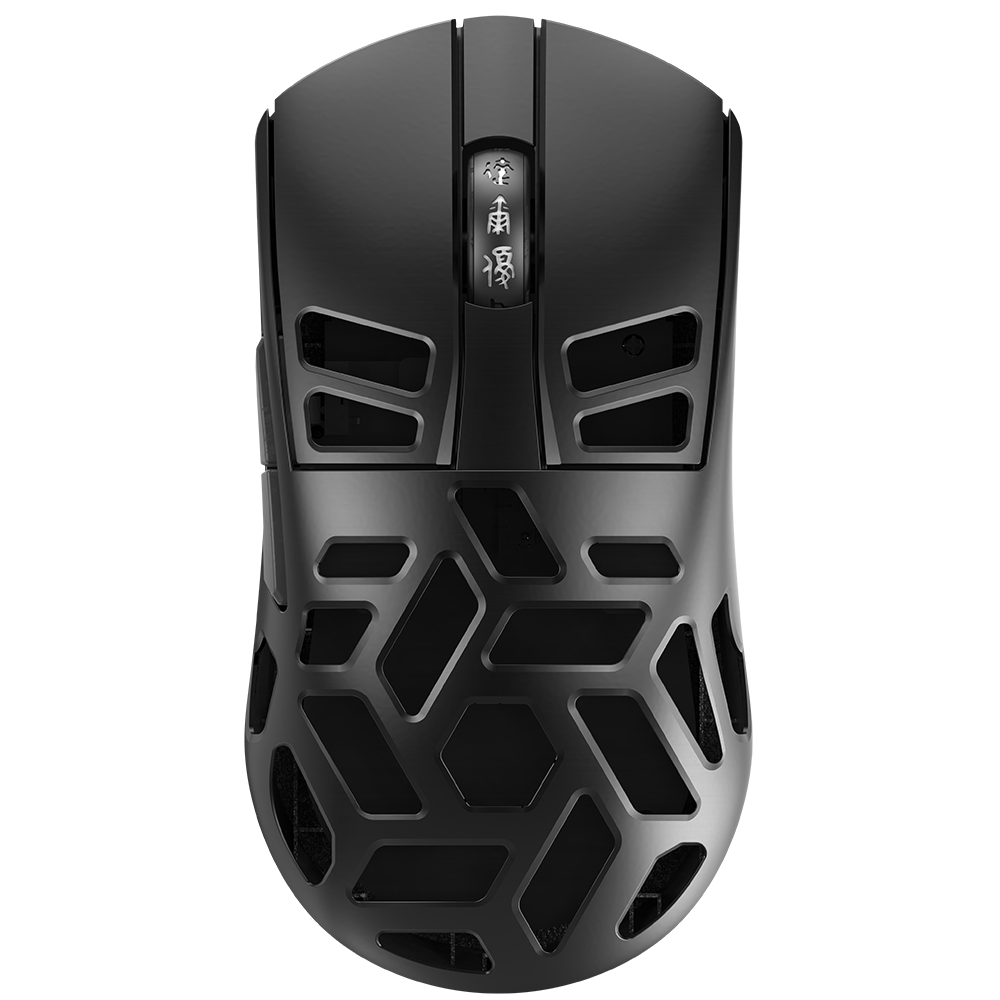
Weighing only 35g, this ultra-lightweight wireless gaming mouse is designed for fast, controlled movements with minimal hand fatigue. Its PAW3950 sensor provides precise tracking for competitive play, while 50G acceleration helps maintain accuracy during rapid swipes and sudden direction changes. The lightweight shell is especially suitable for players who prefer low mouse sensitivity and frequent, large arm movements.
Connectivity is flexible, with both 2.4GHz wireless and wired modes supporting high-polling-rate operation up to 8K according to the selected configuration. Users can choose 1K, 4K, or 8K polling to balance responsiveness, system load, and battery life. At 1K, the working time can reach approximately 100 hours; 4K provides around 25 hours, while 8K offers about 20 hours. The mechanical switches are rated for up to 80 million clicks, offering a crisp response and long-term durability.
For buyers, the main choice is between maximum responsiveness and endurance. The 8K setting is ideal for compatible systems and high-refresh displays, while 1K is more practical for everyday use and longer sessions. Wired mode can also provide a consistent connection when charging or when the lowest possible latency is preferred.
Smooth cursor control matters during fast turns and tiny aiming adjustments. Adjustable sensitivity supports office work, strategy games, and competitive play. Fancy specifications are not everything.
Not necessarily. A higher polling rate may reduce input delay, but poor software can still cause problems. Test stability before chasing bigger numbers.
Wired models usually provide predictable performance. Wireless models need dependable battery life, strong reception, and practical charging. Check the receiver, Bluetooth needs, and computer ports.
A narrow body may suit fingertip control. A wider shell can support the palm. Very light designs feel quick, but some users lose control after long sessions.
Comfort changes after two hours. Measure your hand and compare the mouse length and width. I once focused too much on sensor details and ignored wrist pressure. That was poor judgment.
Confirm support for your operating system and available USB connections. Some computers use older ports and require an adapter. Control software may not support every platform.
Inspect switch ratings, cable flexibility, scroll-wheel construction, surface materials, and mouse feet. Loose cables and worn feet may appear before sensor problems. Dust wins eventually.
Disconnect it before cleaning. Use a dry microfiber cloth around the sensor and wheel. Keep liquids away from openings. Never bend cables sharply or force connectors.
Check return terms, warranty coverage, delivery conditions, measurements, and manual language. Read reviews from different countries. They may reveal humidity issues, customs delays, or weak packaging. These details are easy to miss.
A gaming mouse is designed for players who need greater precision, faster response, and more comfortable control during extended use. Compared with a standard computer mouse, it often provides a higher-accuracy sensor, adjustable sensitivity, programmable buttons, improved tracking, and a shape suited to different grip styles. For international buyers, important performance factors include sensor consistency, click responsiveness, connection stability, ergonomic comfort, and reliable operation across various systems.
Choosing the right Mouse Gaming model requires considering its shape, weight, sensor, and connection type, whether wired or wireless. Buyers should also check operating-system compatibility, construction quality, maintenance requirements, and the availability of replacement parts or support. A balanced decision should compare price with expected durability, warranty coverage, shipping conditions, and after-sales service. By evaluating these factors together, global customers can select a practical gaming mouse that delivers dependable performance and long-term value.